

Everything it does, on your PC.
Every feature below comes with your free access key and runs on your own computer.
Talk. It types. Anywhere.
Hold Ctrl+Win, say it, let go: your words appear where your cursor is, in almost any app. Or press Win+Alt for hands-free and it types each time you pause.
- Punctuation, capitals and paragraphs come out right, without saying "comma".
- Um and uh are left out, and sound-alike slips like "park in the garbage" become "garage".
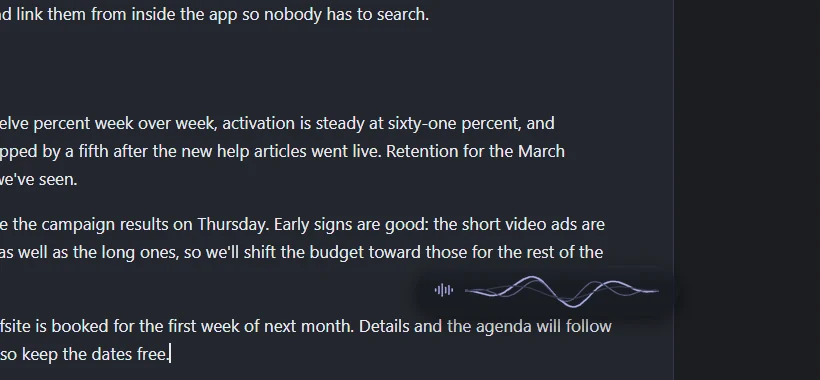
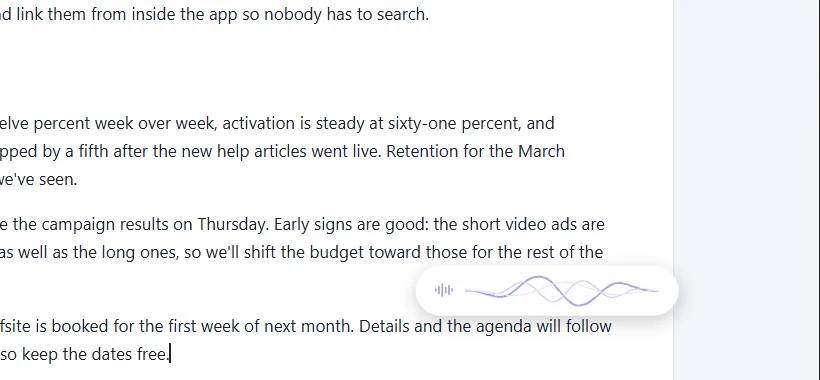
- A slim listening bar shows your voice as one flowing line while it listens.
- Your way of writing: spaces, periods, numbers as digits or words, lists and email greetings, all in Settings.
It knows what you're writing about.
Ghost Writer reads the text already in the box you're dictating into, so names and terms that are already there, like Siobhan or Kubernetes, come out spelled your way.
- Fits the app: it notices chat, email, documents or code and writes to suit.
- Your dictionary: add the names and jargon you use, and it listens out for them.
- Screen context (optional): it can also use the words in the window you're dictating into. Off until you turn it on, and never saved.
Five ways to sound like you.
Pick how formal your words come out, from Home or by saying "Hey Ghost, use the formal style". Polished and Formal turn everyday speech into work-ready writing; their grammar fixes need Advanced mode.
Relaxed
For chat and quick messages.
Natural
Your words, tidied up.
Polished
Everyday speech made ready for work.
Formal
For letters and official writing.
Caveman
Exactly what you said, nothing more.
Fix and rewrite anything, anywhere.
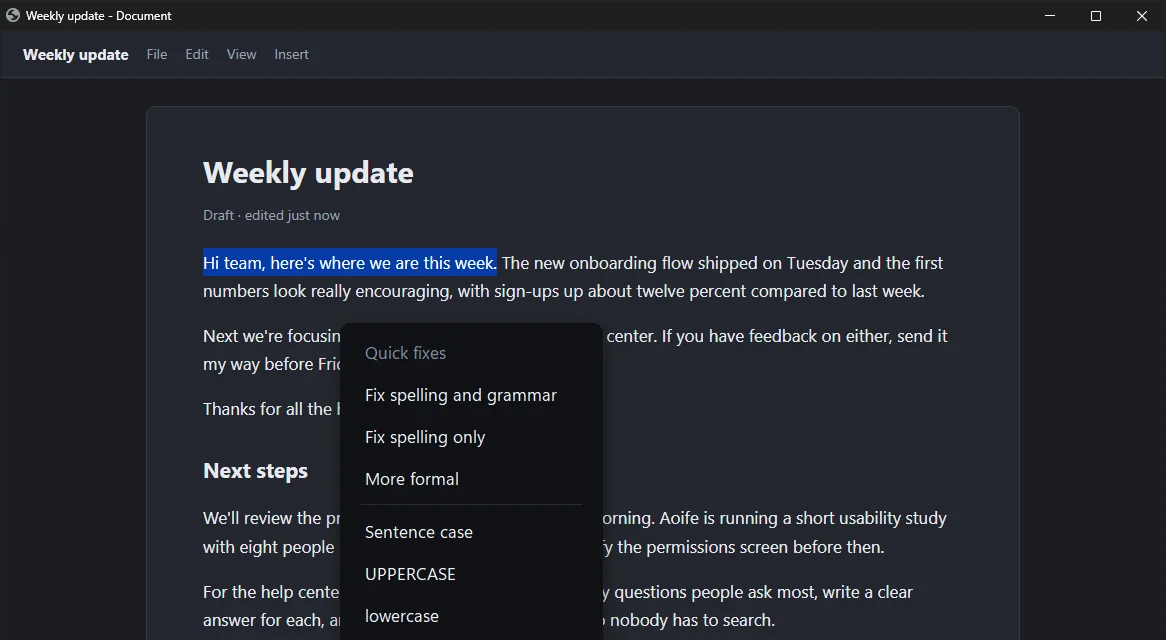
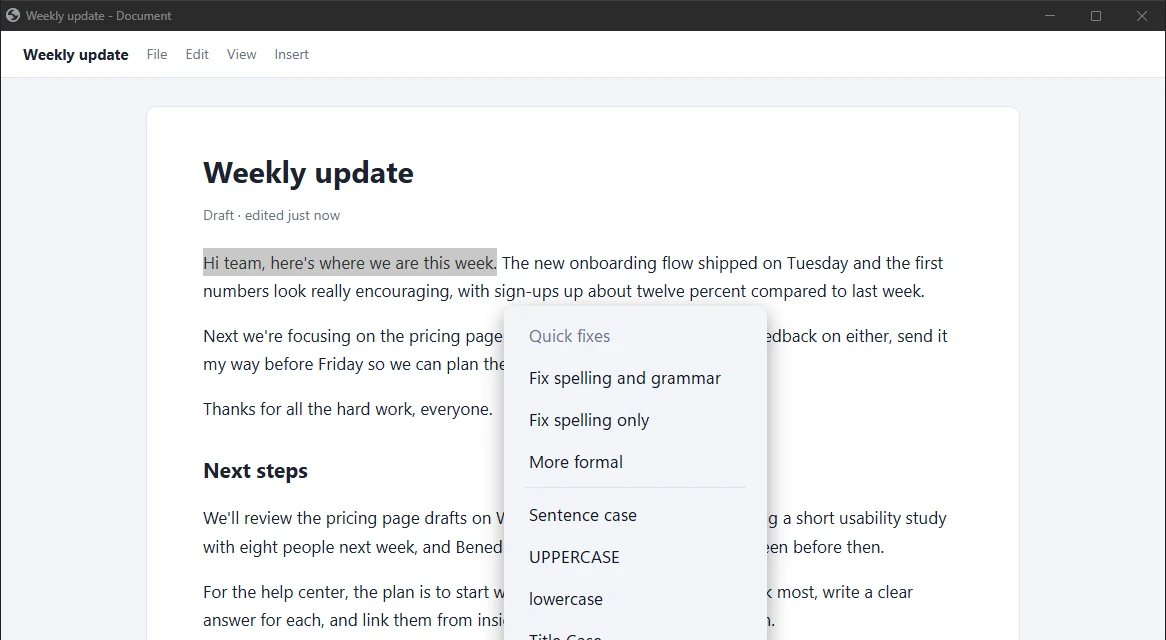
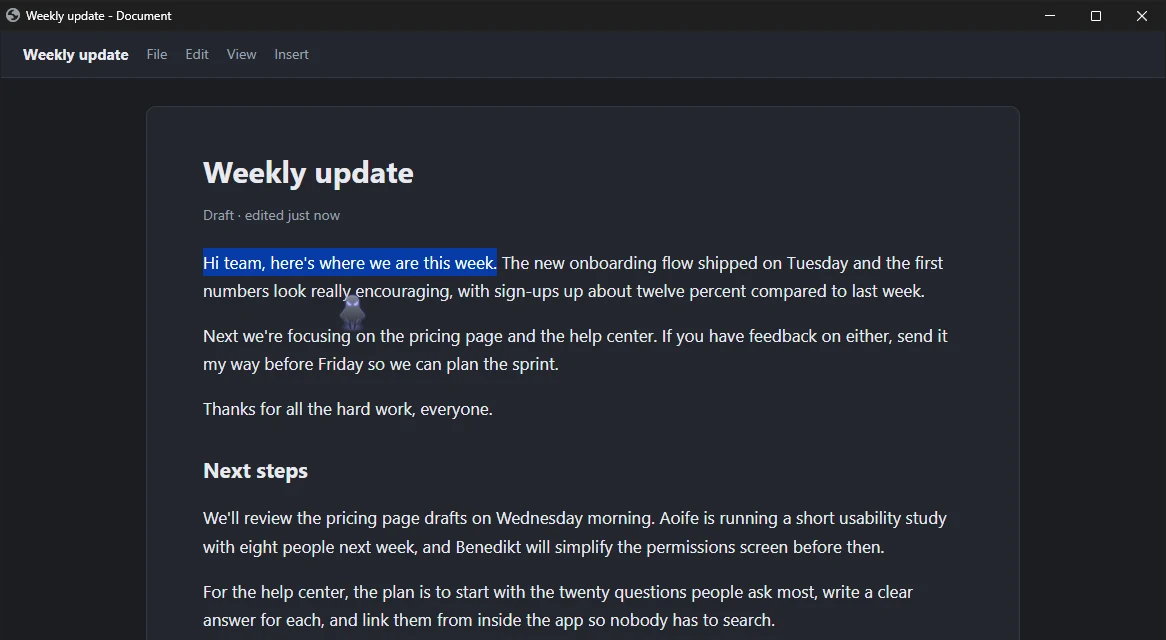
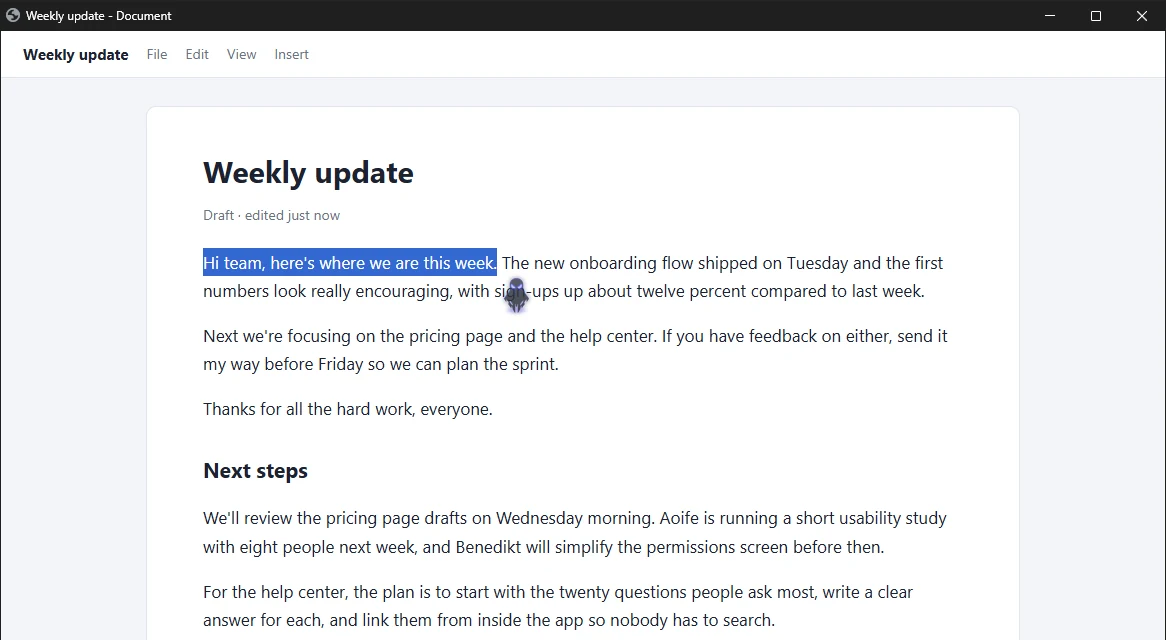
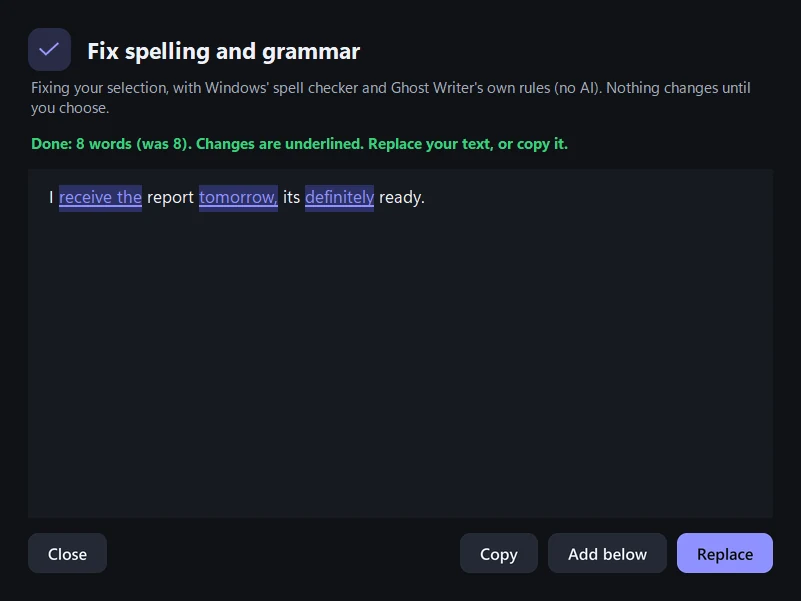
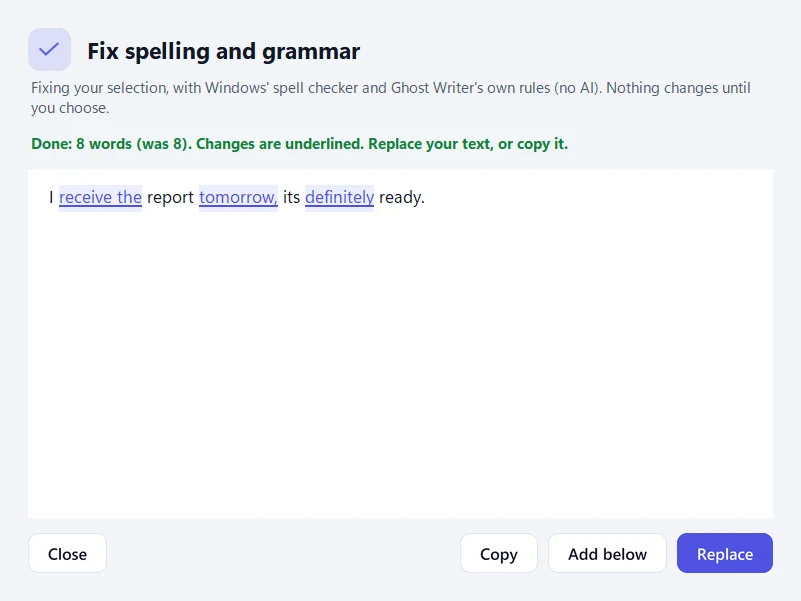
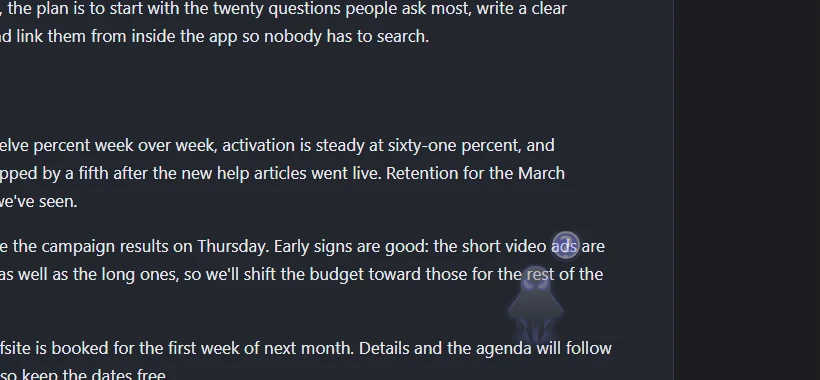
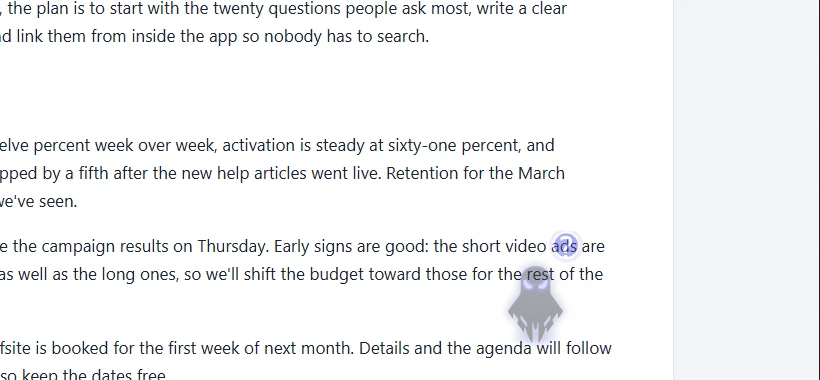
Select text in almost any app and a small ghost appears beside it. Click it, and choose.
- Quick fixes on every PC: spelling, grammar, more formal and letter case, instantly and without AI.
- With Advanced mode's AI: shorter, friendlier, an email, meeting notes or a summary.
- By voice: select text and say "Hey Ghost, make this shorter".
- You decide: you see the result first; your text changes only when you click Replace.
"Hey Ghost." Your PC, on command.
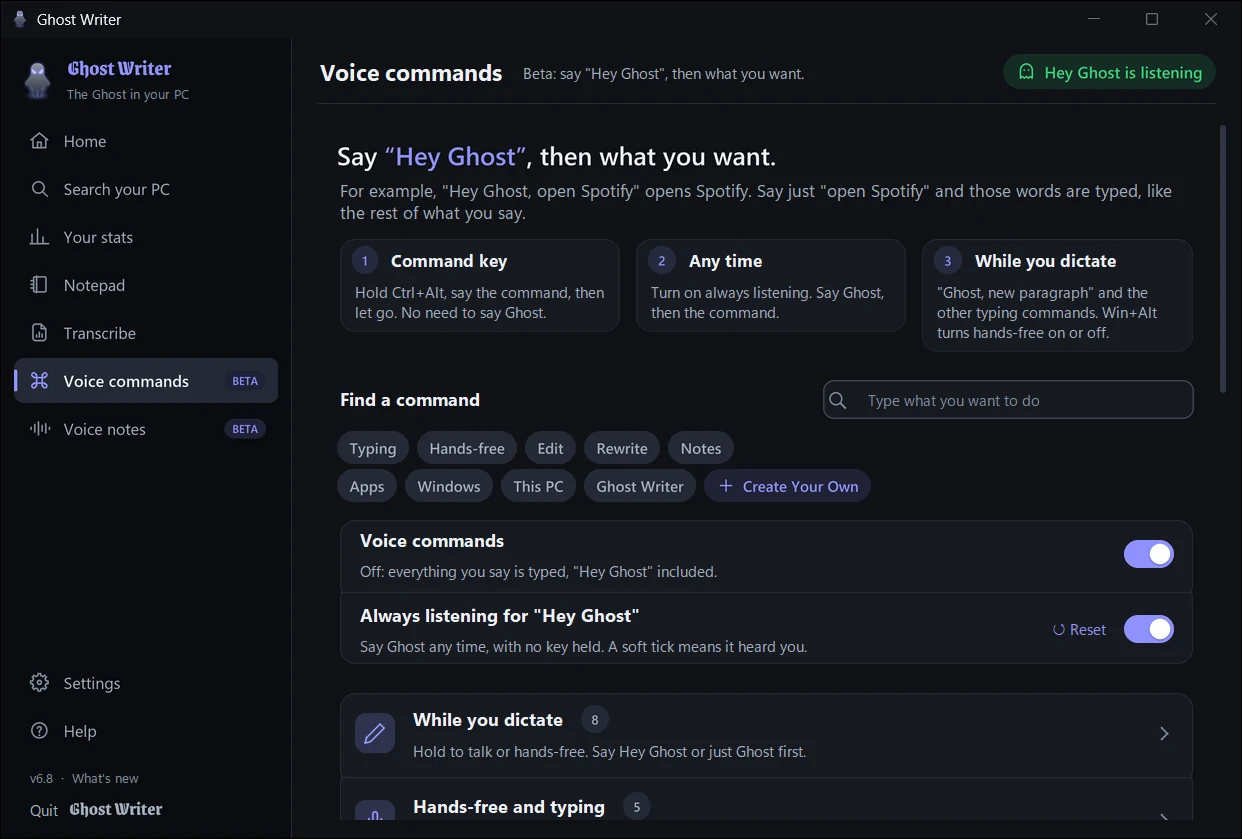
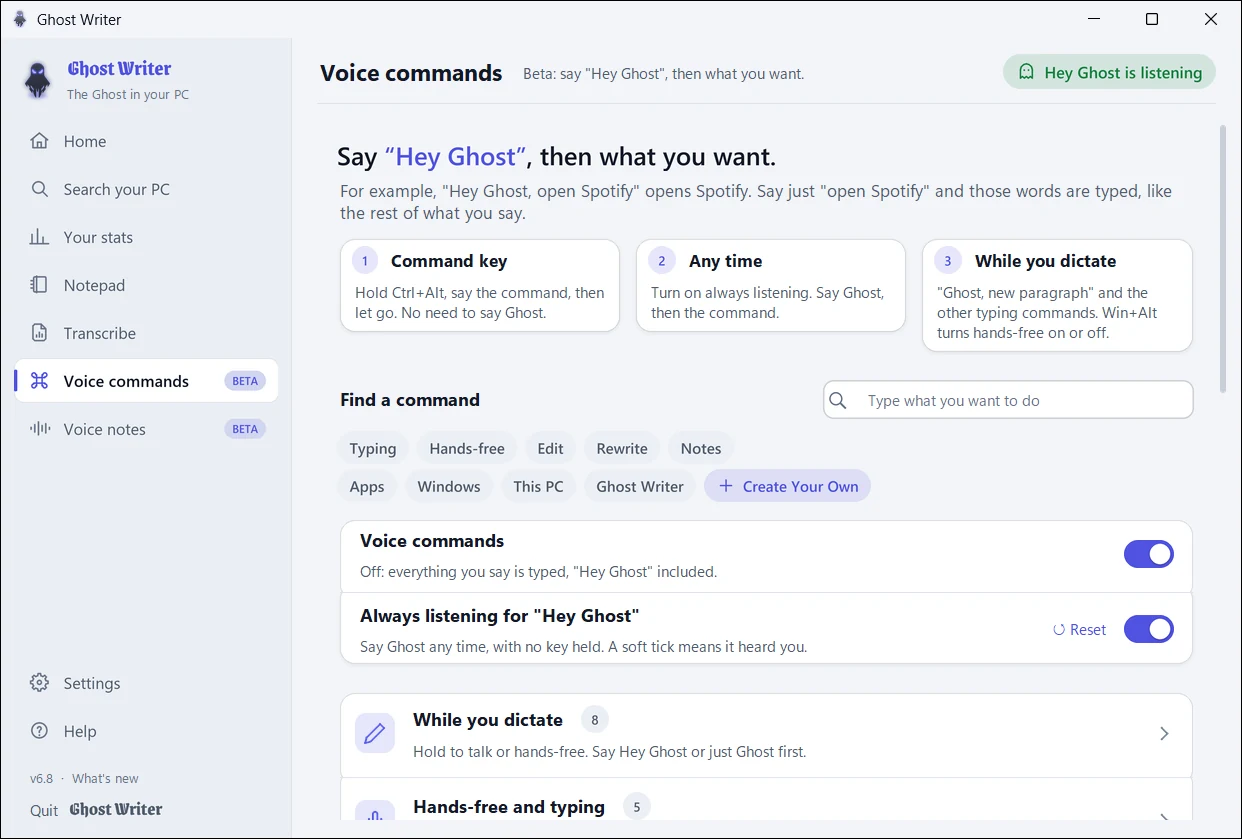
Give an order without typing it. Turn on always listening, or hold Ctrl+Alt and just say the command.
- Hey Ghost, what time is it
- Hey Ghost, open Spotify
- Hey Ghost, set a timer for ten minutes
- Hey Ghost, search my PC for invoices
- Hey Ghost, next tab
- Run your PC: open, switch to or close apps, folders and websites, manage windows and tabs, set the volume, timers and reminders, play and pause music.
- Your own commands: up to ten phrases of your own for one action.
- A small card confirms what was done. When it has to guess, it asks "Did I get that right?"
- Always listening is off by default. It acts only on "Hey Ghost" and keeps nothing it hears.
Say it now. Find it later.
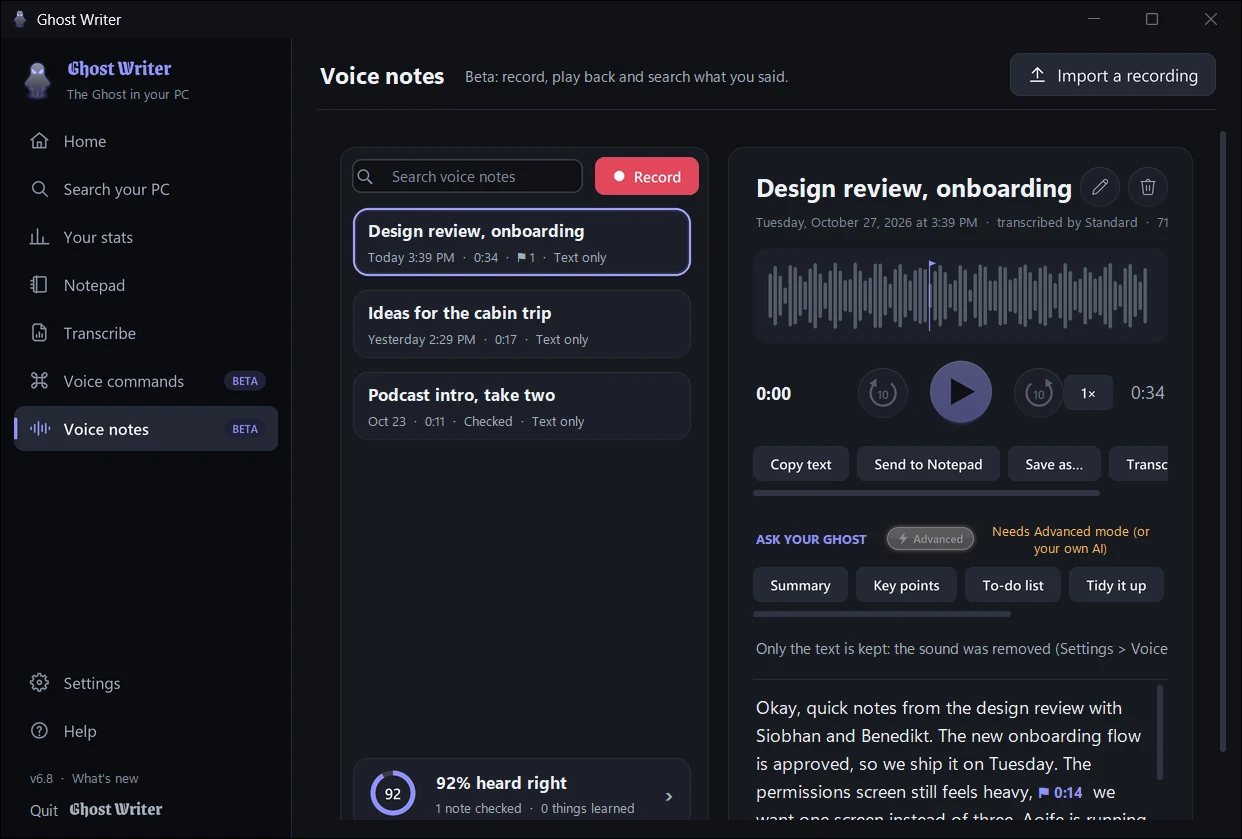
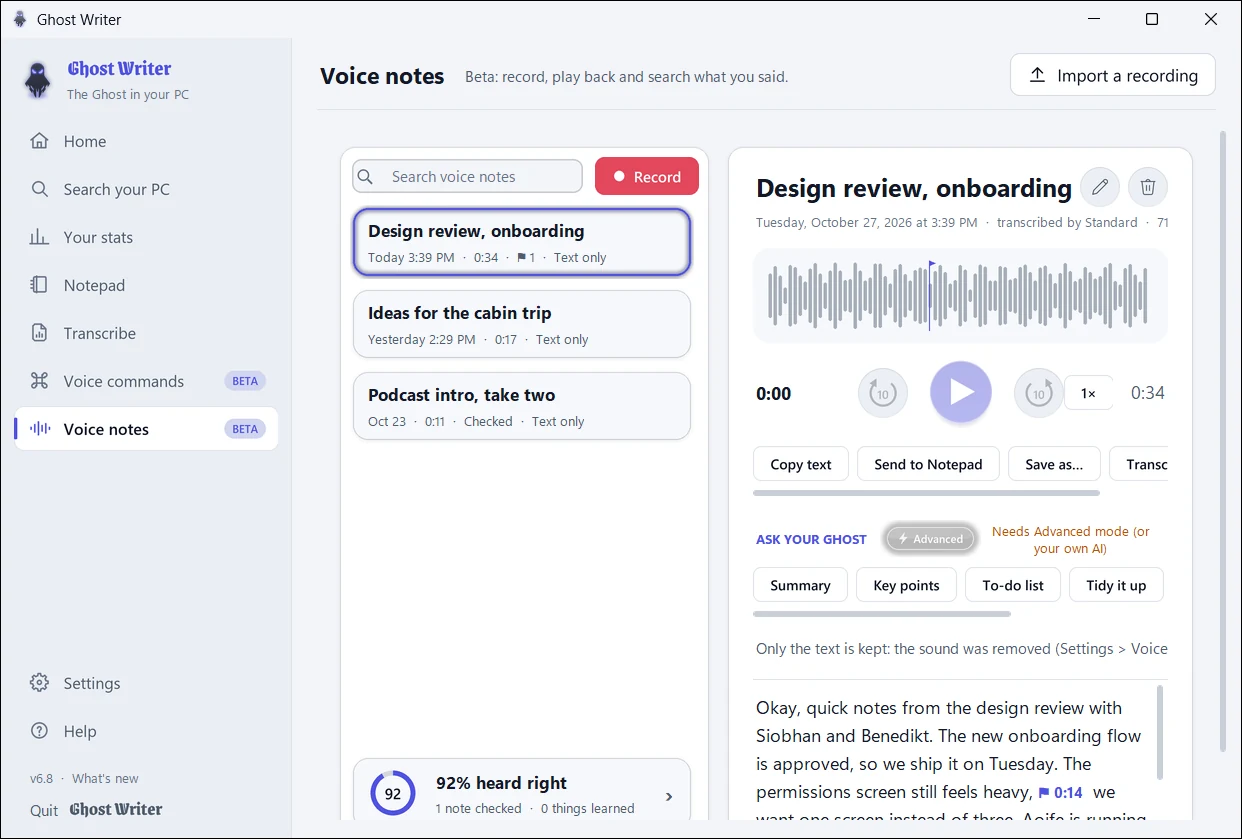
Record a voice note, play it back at your own speed and search every note's words. Import recordings from your phone, or save a note as sound, text or subtitles. With Advanced mode, get a summary, key points or a to-do list.
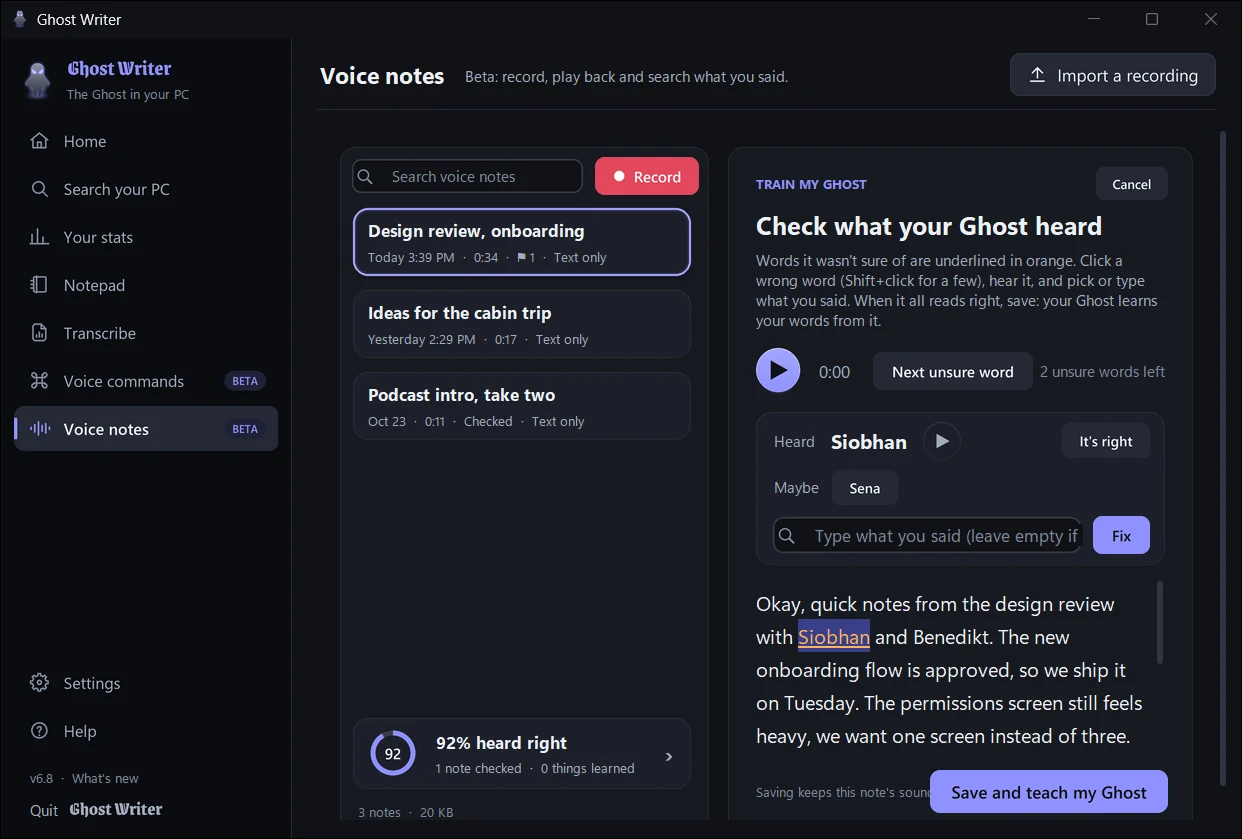
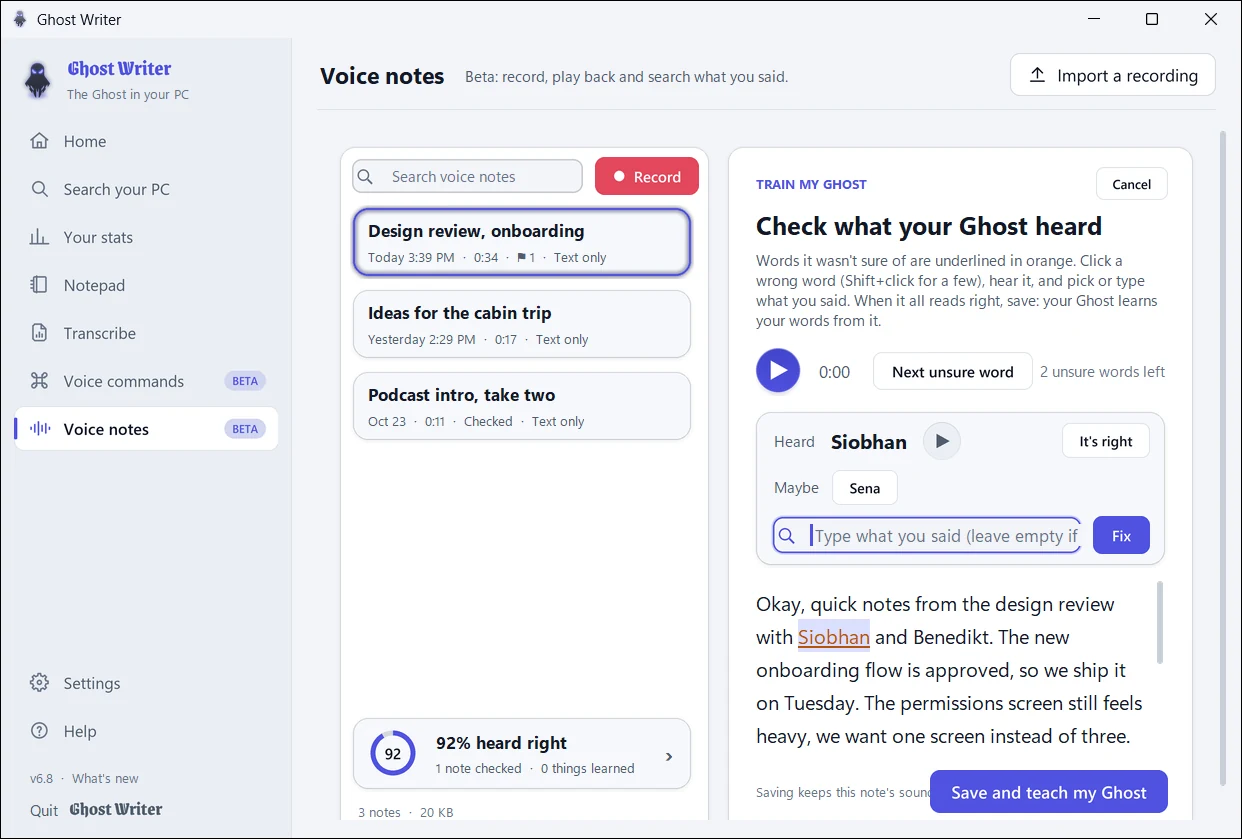
- Train My Ghost: words it wasn't sure of are underlined. Click one to hear it, pick or type what you said, and your Ghost learns it, in dictation too.
- See your Ghost improve: words heard right, notes checked and words learned, first checks against the latest.
- Kept on your PC. Recording other people? Get their OK first: in some places the law requires everyone's consent.
Fix a word once. It remembers.
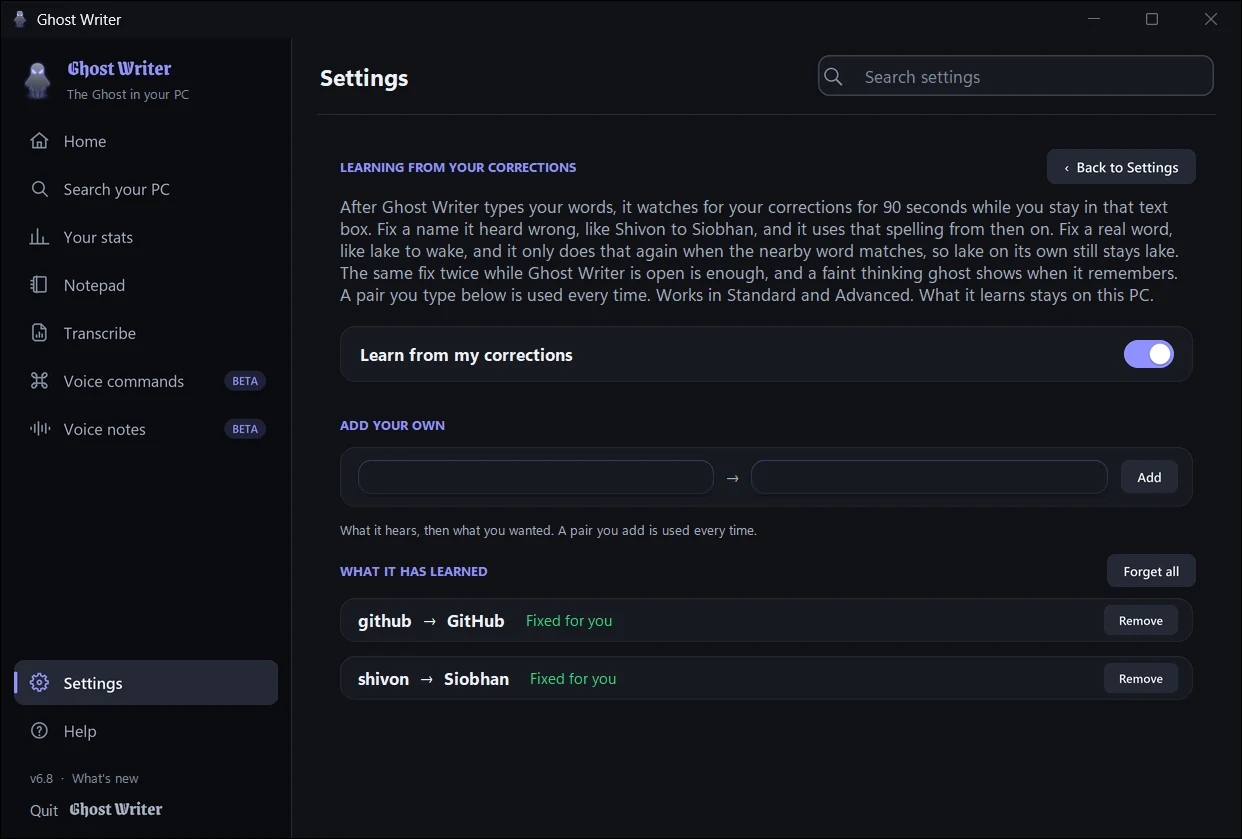
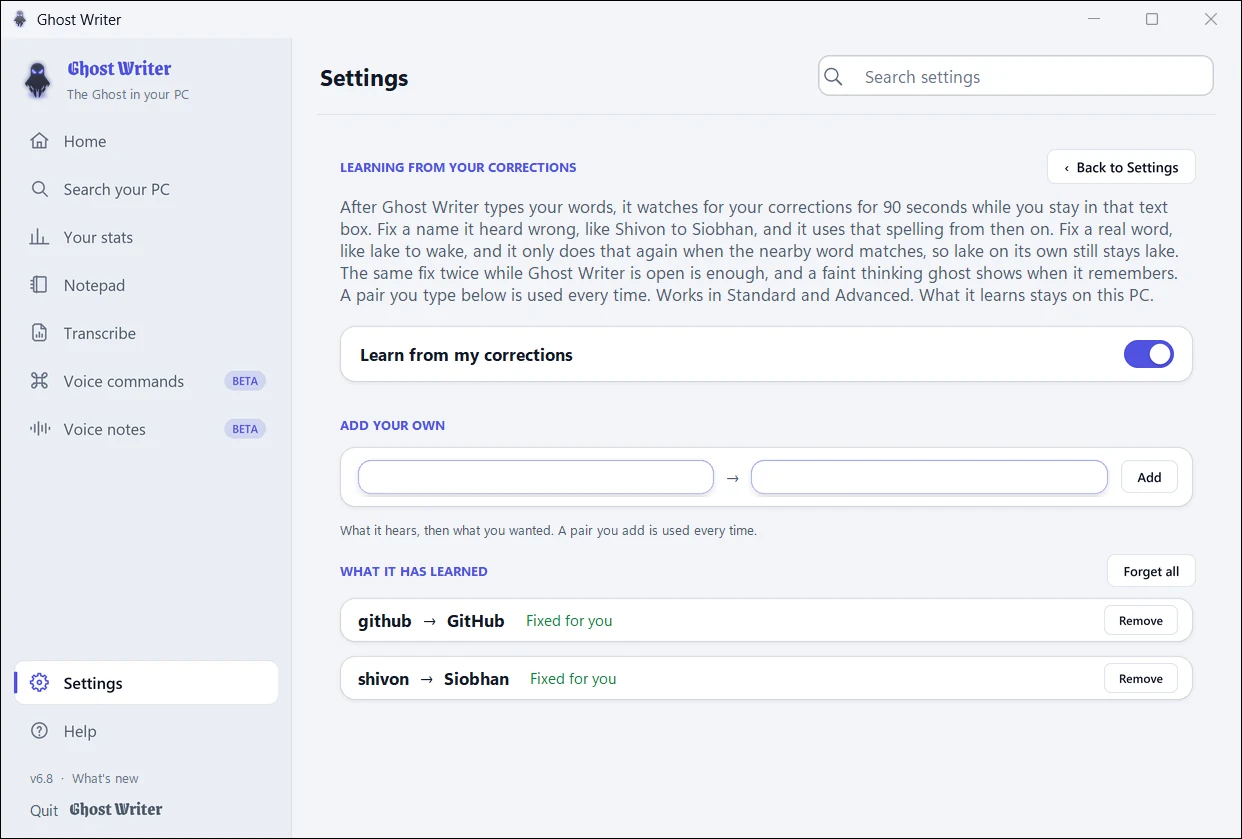
When Ghost Writer gets a word wrong, fix it where it was typed, within a minute or so, and it's right next time.
- A faint thinking ghost shows for a moment when it learns something.
- Your dictionary: add names and unusual words to listen for; import and export them.
- You're in charge: see everything it learned in Settings, and remove anything.


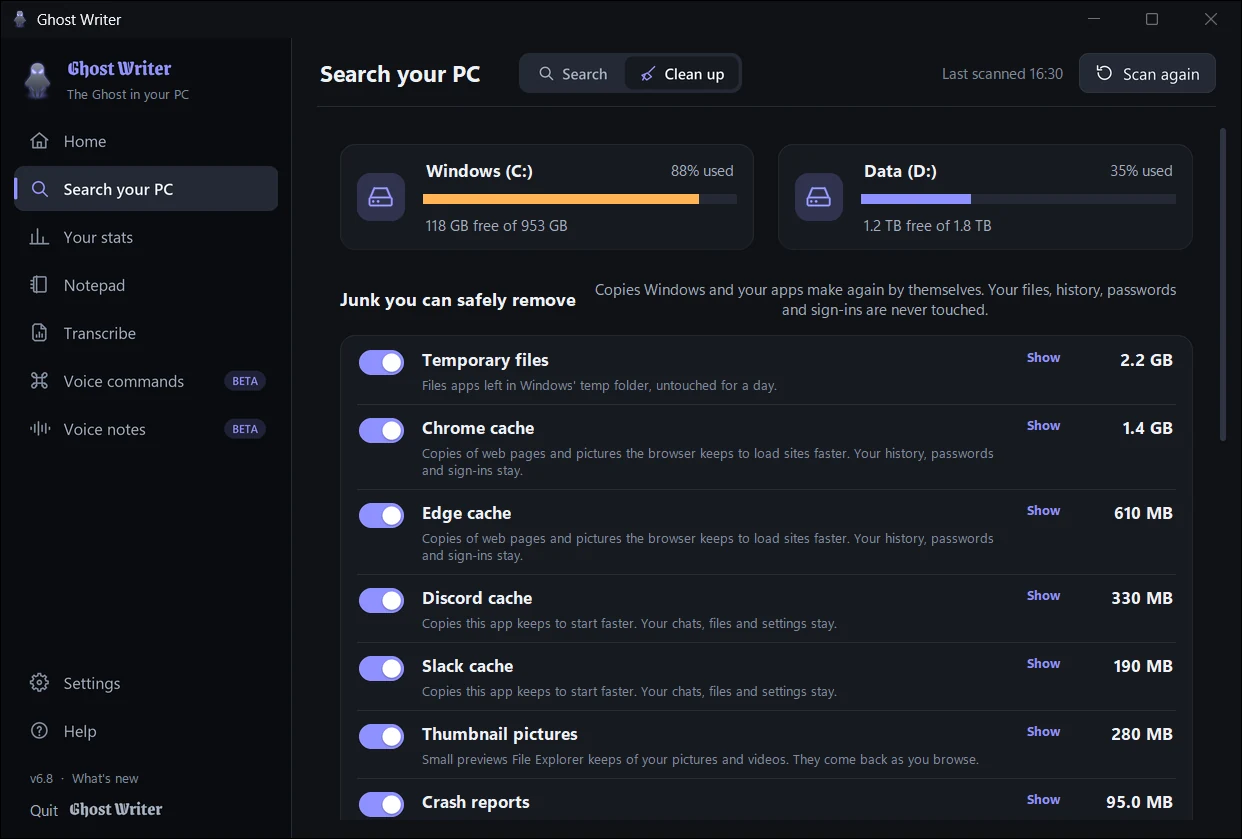
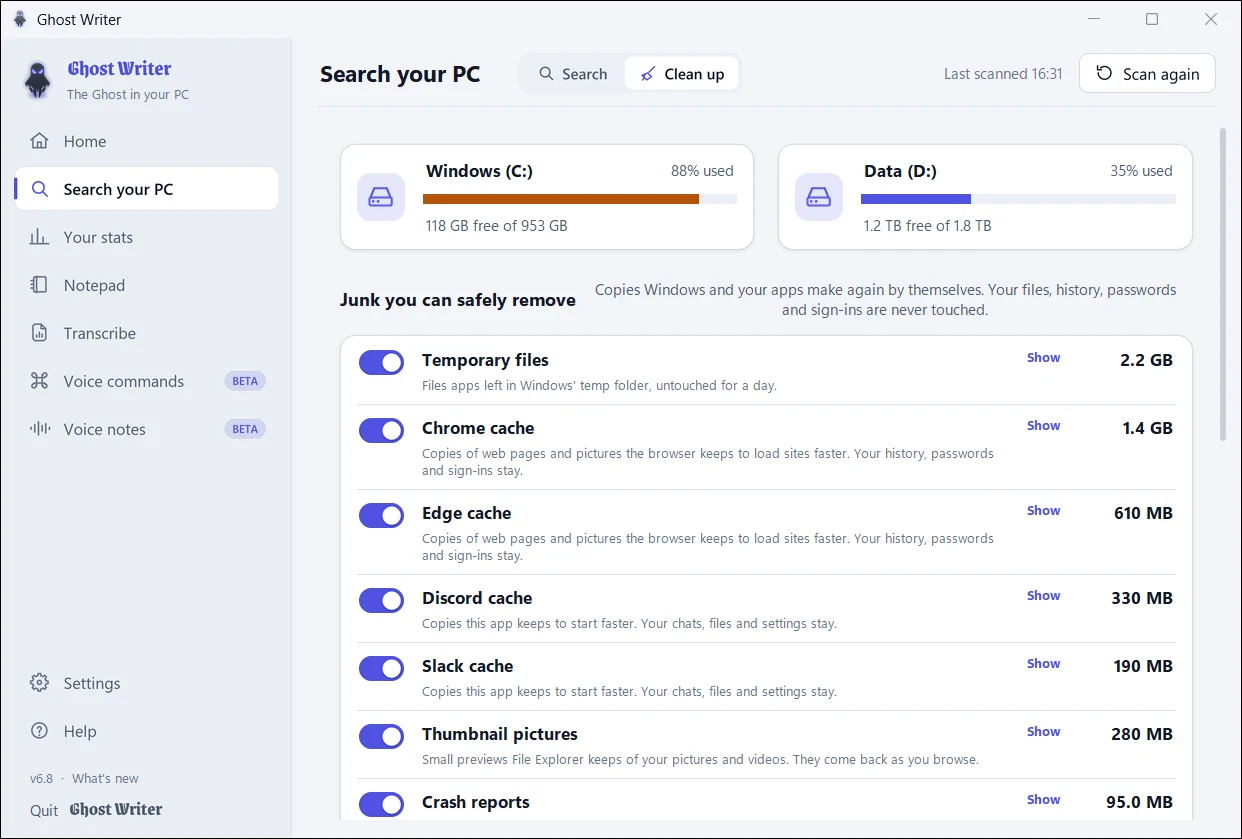
Find anything. Then free up space.
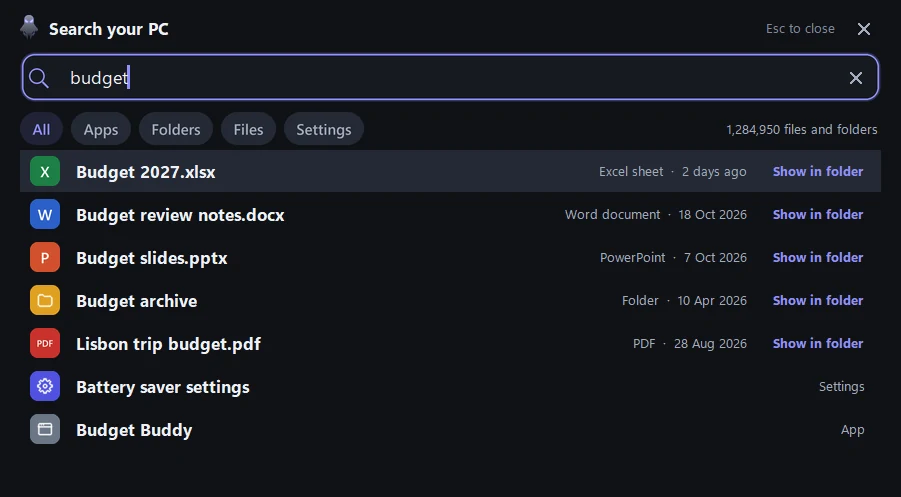
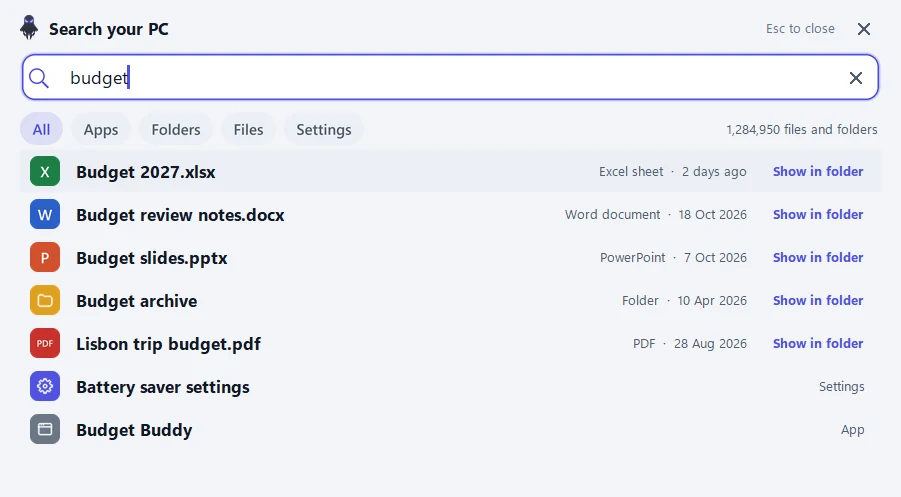
Press Alt+Shift+S from any app, or say "Hey Ghost, search my PC", type a few letters, and open the app, Windows setting, folder or file you mean. Drag a result straight into another app.
- Apps, Settings, folders and files in one box, as you type.
- Clean up shows each drive's free space, safe junk (temporary files, caches, thumbnails, crash reports) and your biggest files. It's built to leave your files, history, passwords and sign-ins alone, and it shows what it will remove first.
- No administrator needed, and nothing leaves your PC.
Notes, and recordings into text.
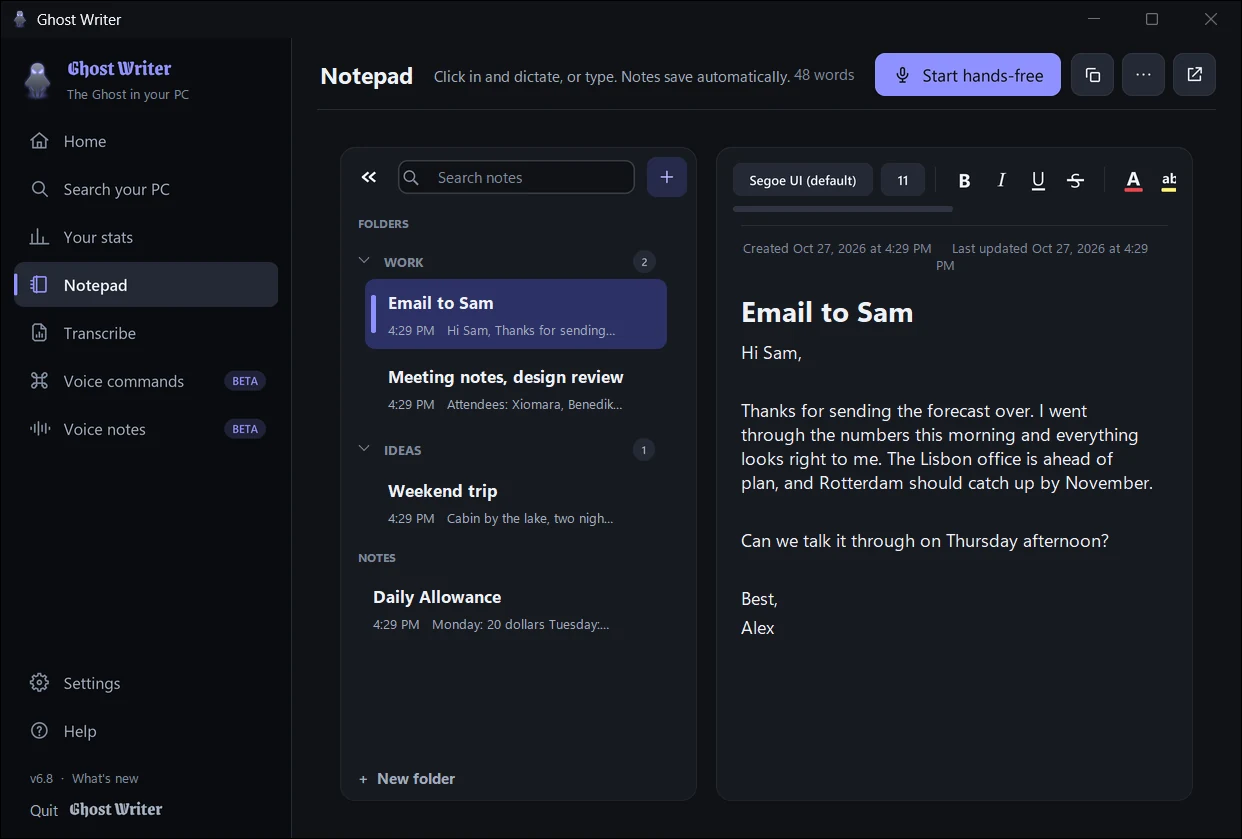
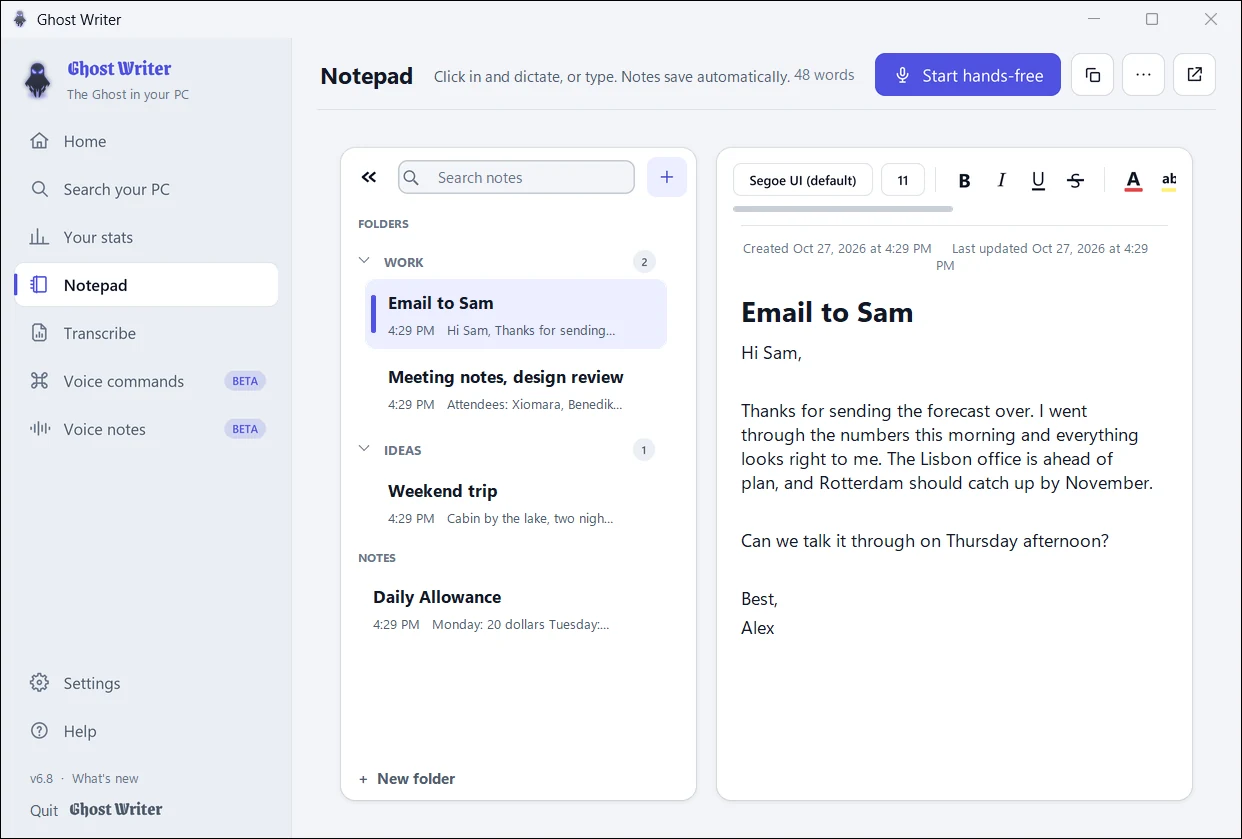
Notepad
Notes with folders, formatting, attachments and a pop-out window. Dictate straight into them.
Transcribe
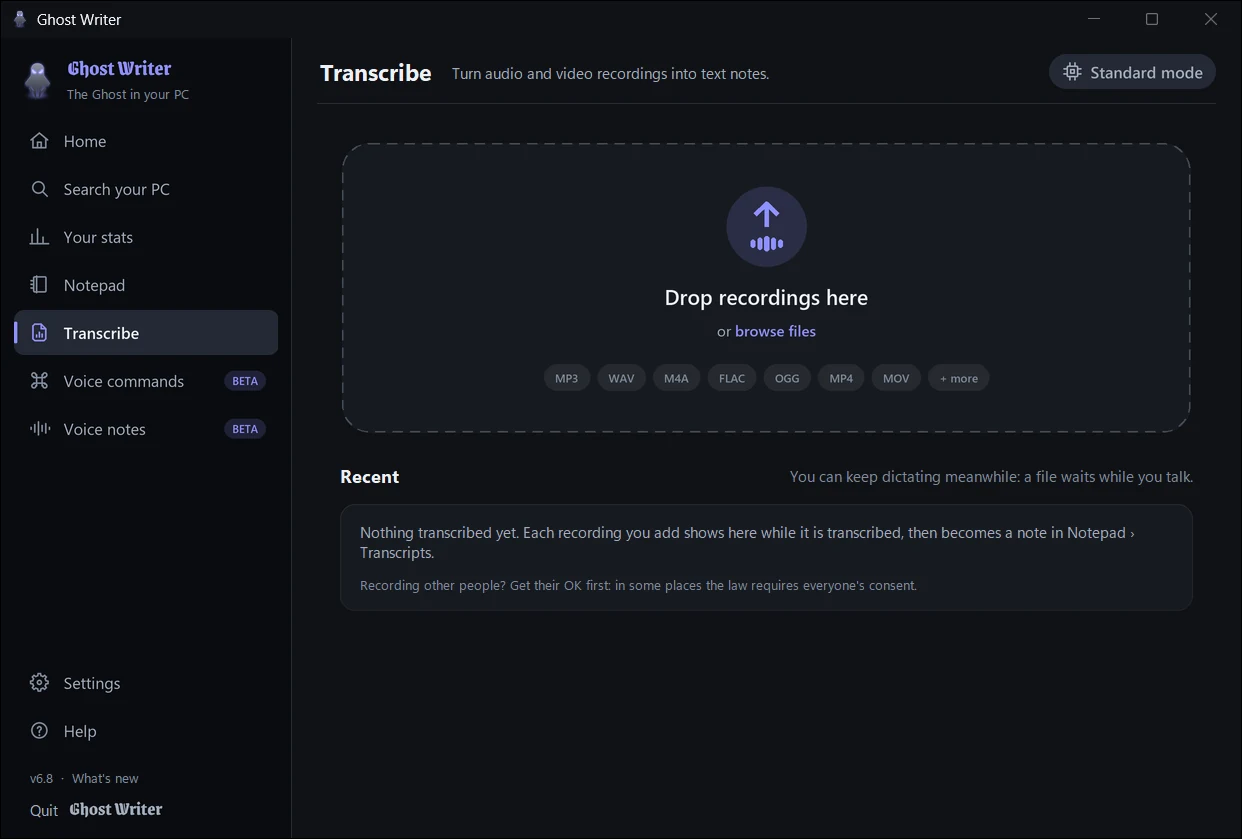
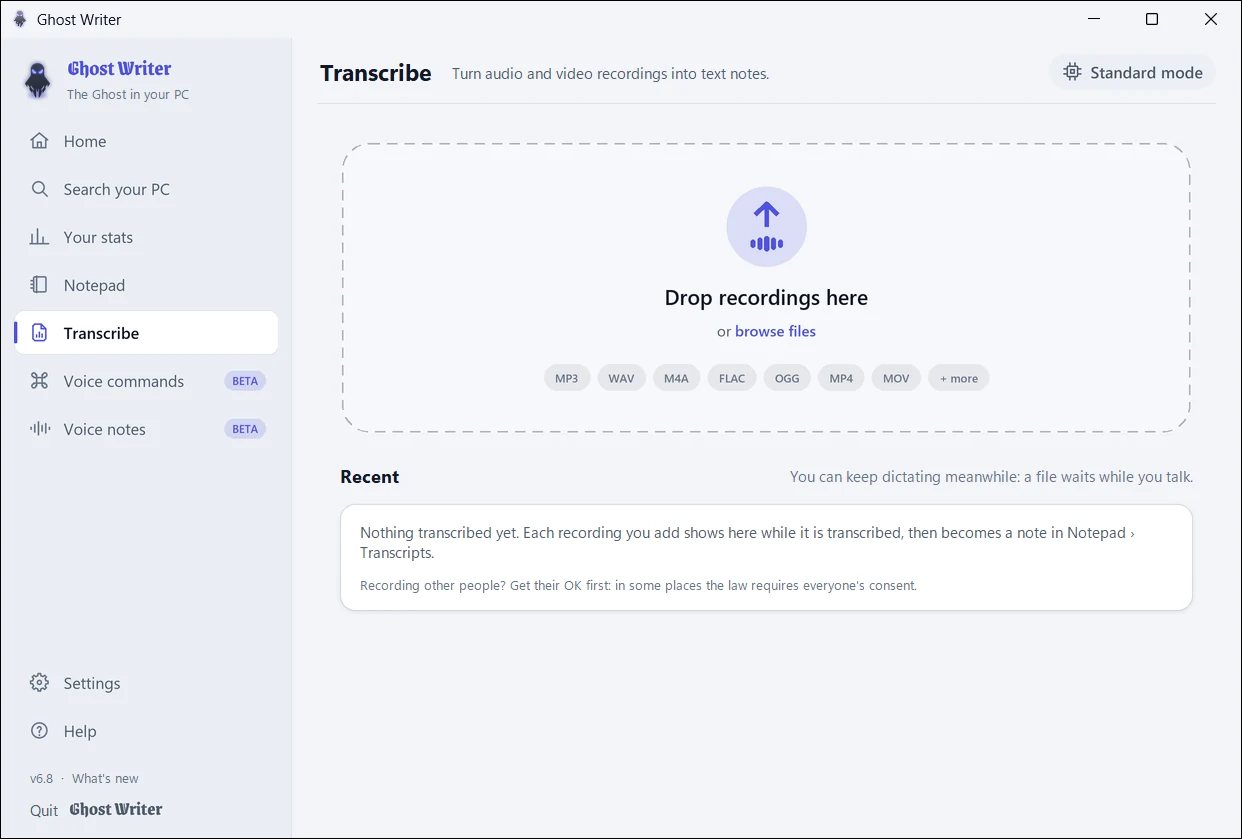
Drop in audio or video (MP3, WAV, M4A, FLAC, MP4 and more): each becomes a note, in paragraphs, on your PC.
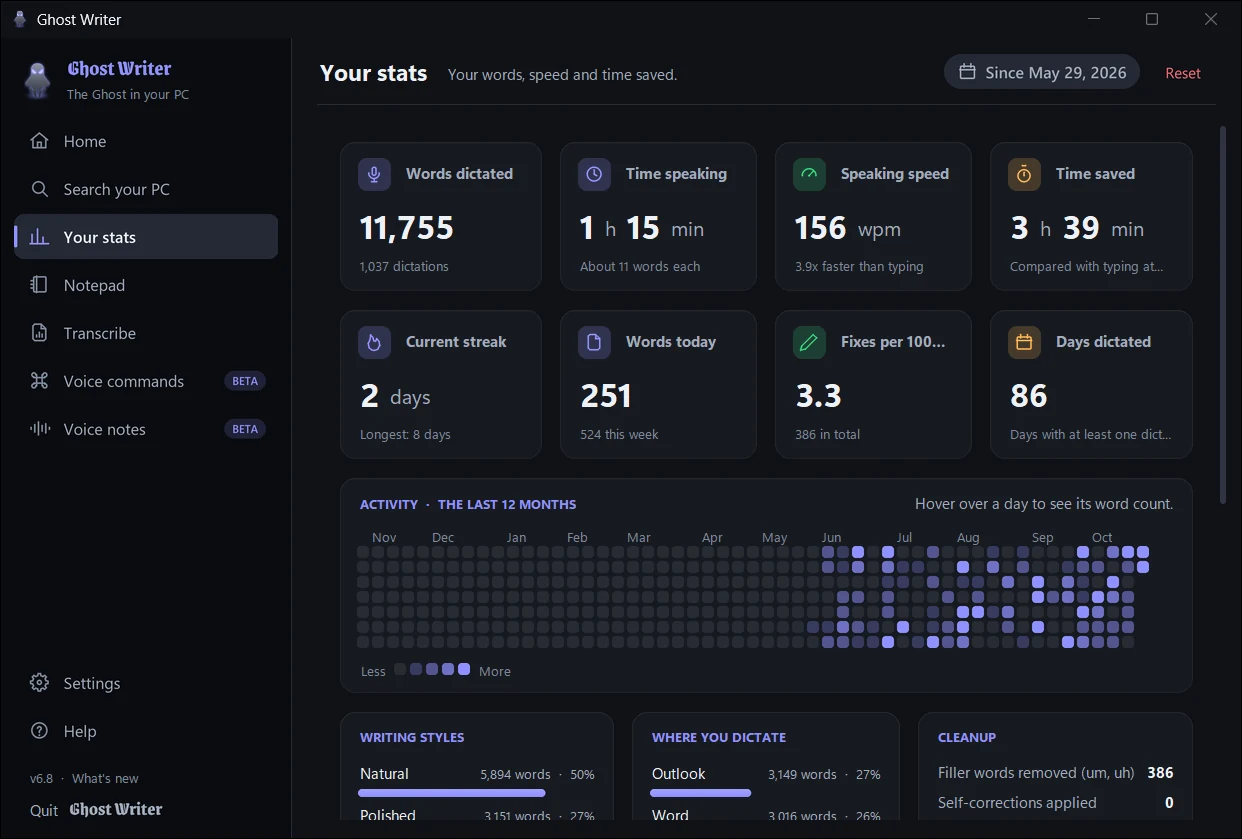
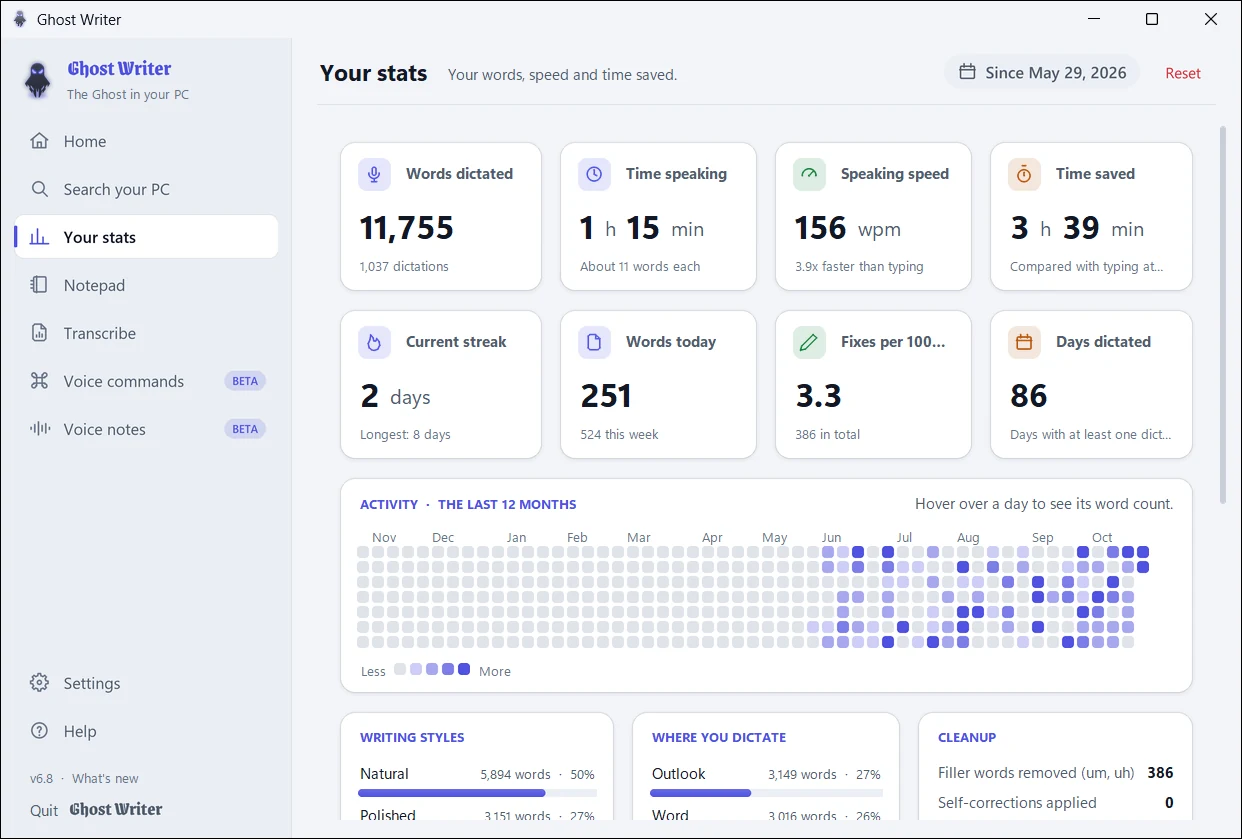
See the time you get back.
Words dictated, how fast you speak, time saved, streaks and an activity calendar. Numbers only, never what you said, kept on your PC, and you can reset them any time.
Everything adjustable.
Every feature has a setting, grouped into cards (Dictation, Voice commands, Sound and microphone, AI, Search your PC, Keyboard, Voice notes, App), with a search box. Dark, light, or follow Windows; every shortcut can be changed.
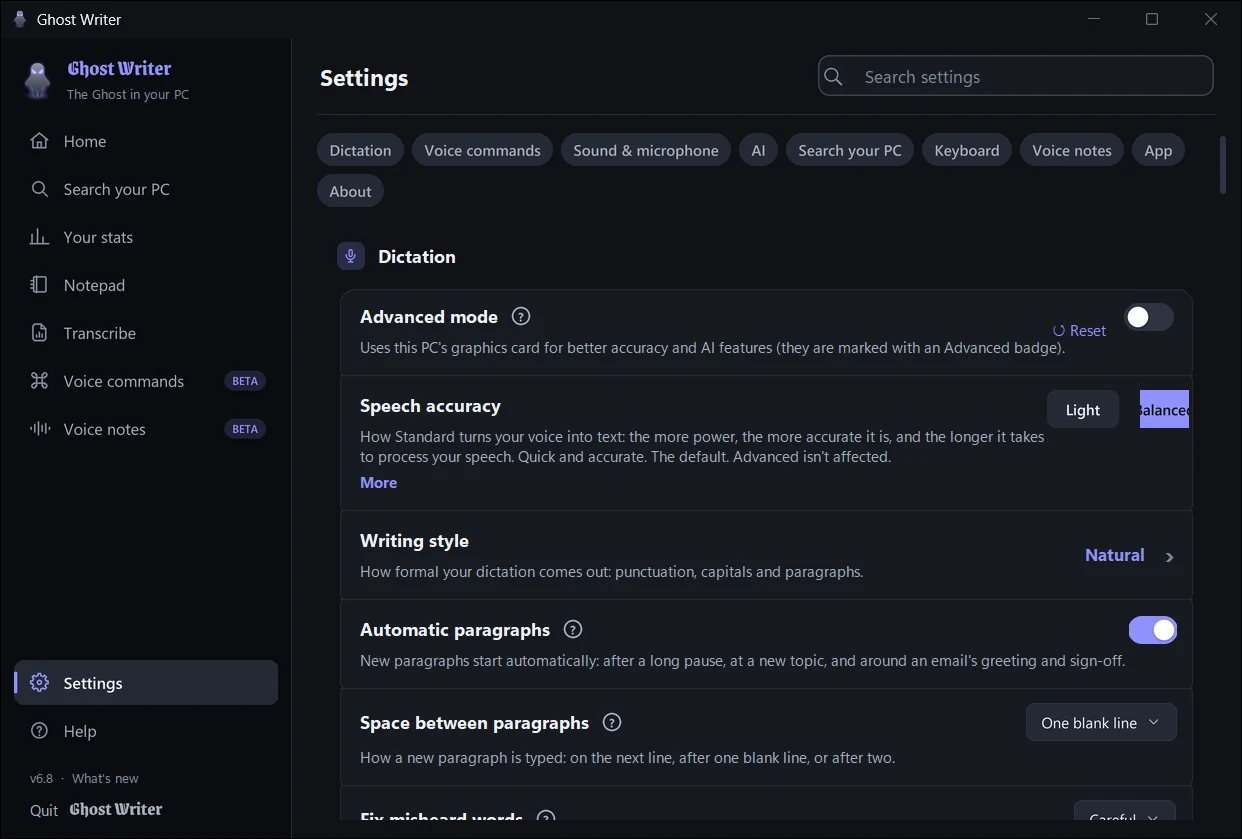
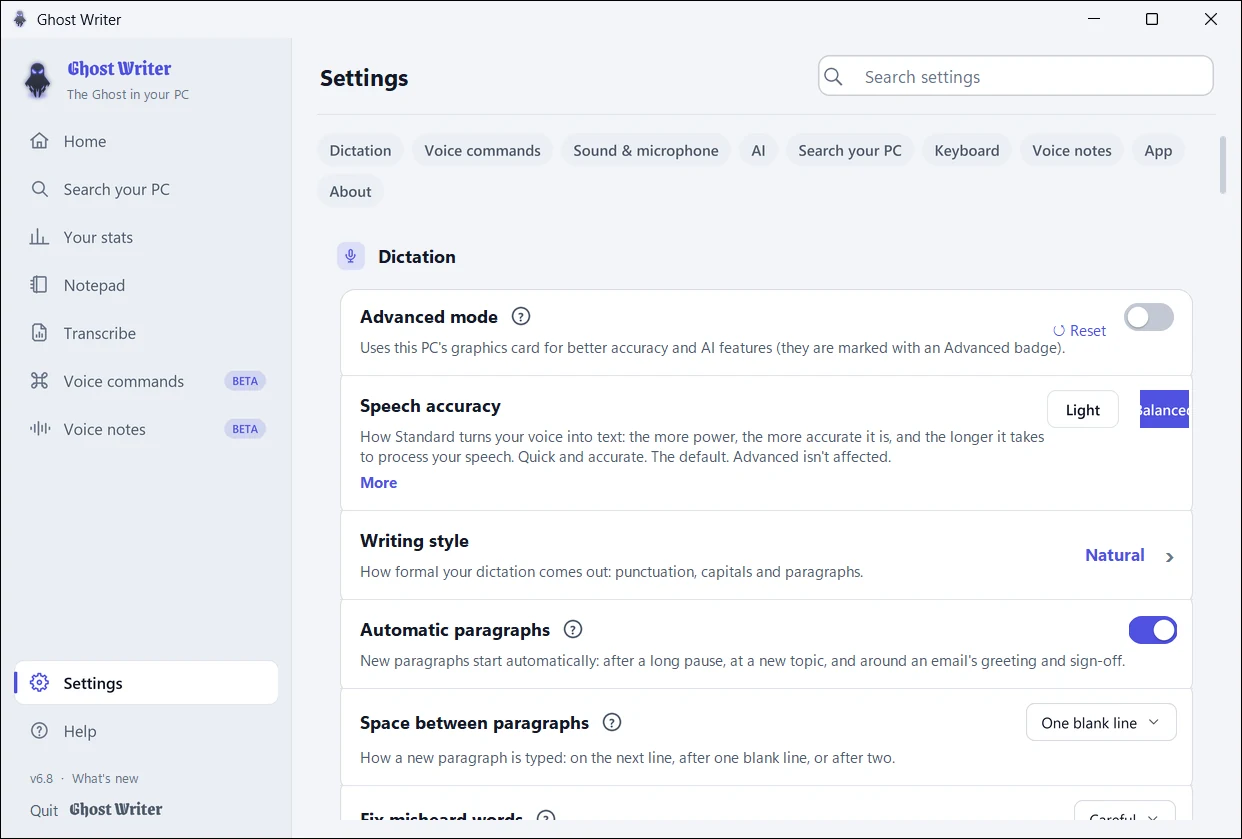
Standard and Advanced
Ghost Writer works on any Windows 10 or 11 PC. With a graphics card, Advanced makes it sharper.
Every PC
Included in the download. Dictation on the processor, with punctuation, paragraphs, writing styles, quick fixes, voice commands and voice notes. Choose Light, Balanced or Most accurate to suit your PC.
NVIDIA, AMD and Intel graphics cards
A much bigger speech model for accents and fast speech, plus a small AI for grammar, paragraphs by topic, rewriting, voice-note summaries and searching inside documents. Needs a graphics card with 4 GB of its own memory or more (6 GB for the AI too). A one-time download from inside the app, 3.3 to 4.8 GB.