

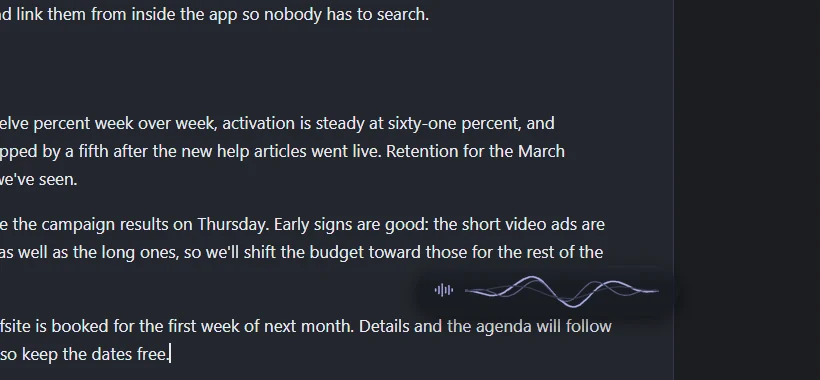
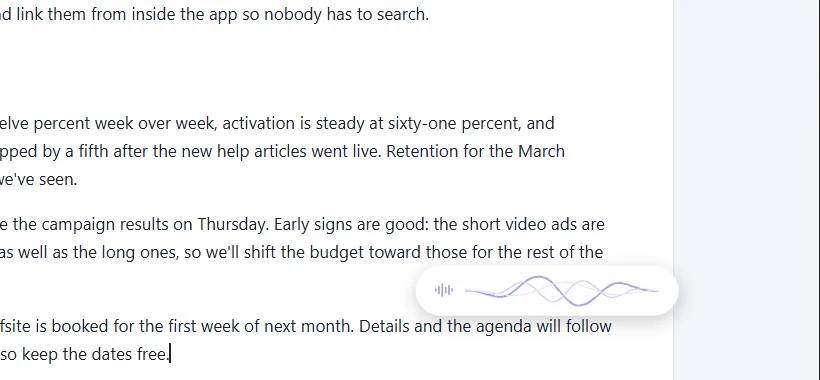
Dictate into almost any app
Email, documents, chat, the browser, code. Commas, periods and capitals are added for you, and um and uh are left out. Or go hands-free and it types each time you pause.
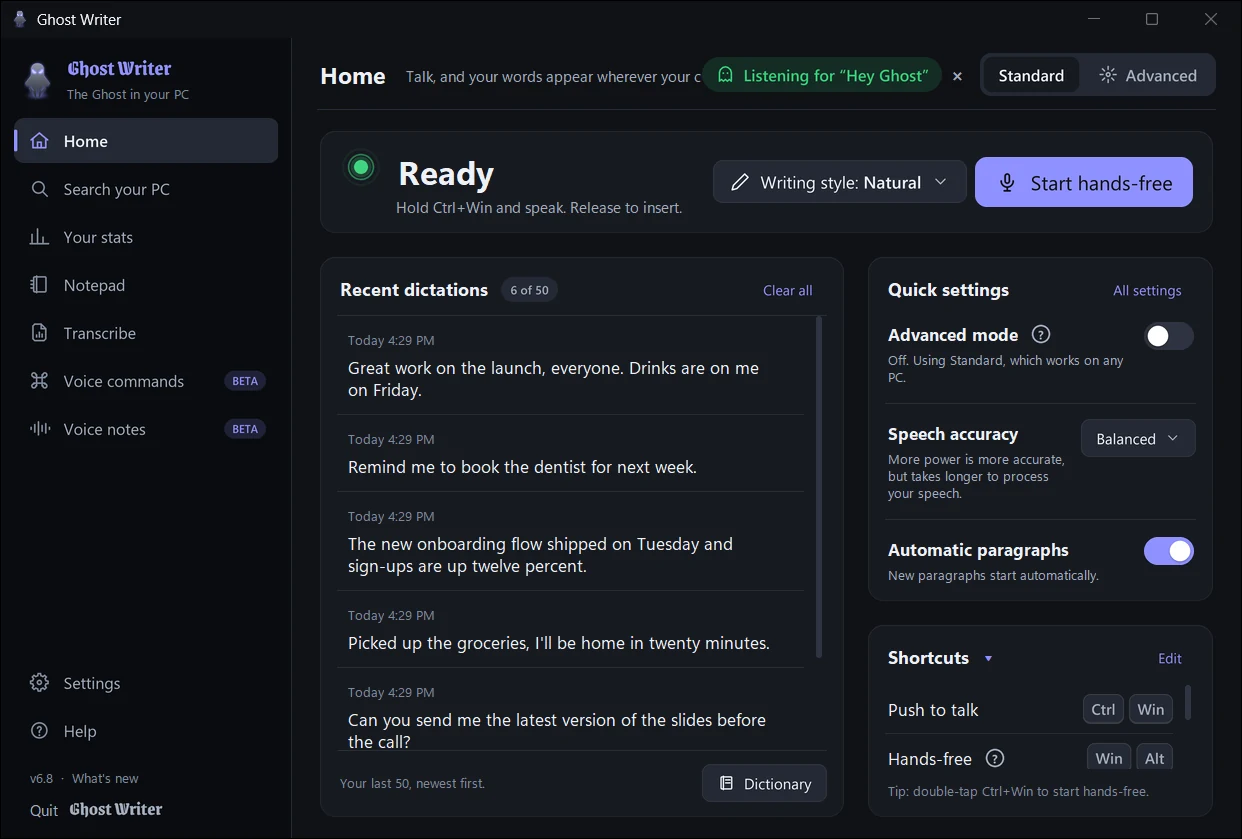
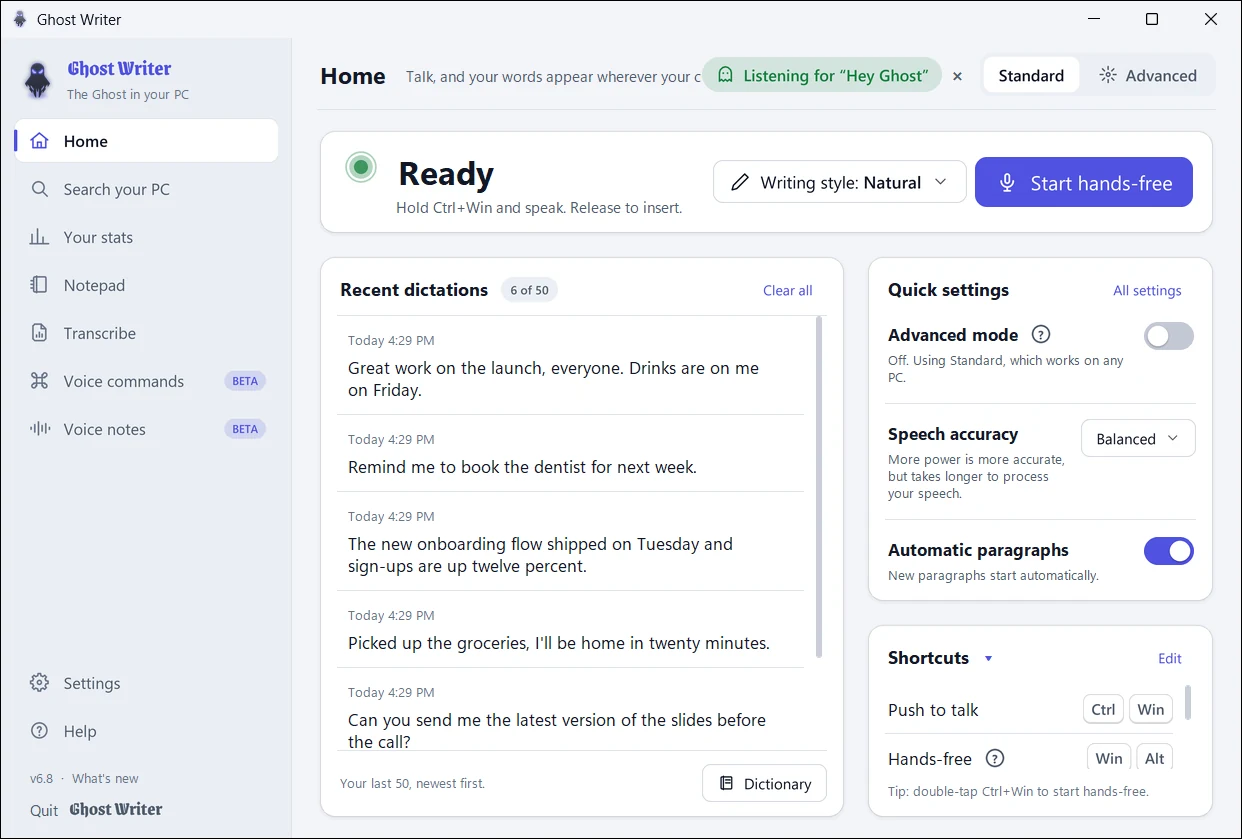
Hold Ctrl+Win, talk, let go: your words appear wherever your cursor is, in almost any app, with punctuation and paragraphs. Ghost Writer does it all on your own PC, so nothing you say is uploaded.
Free, no ads, no analytics, no subscription. You need a free access key to use it: we email it to you.
Ghost Writer is free while it's in beta. Access is by invitation, so we can look after every new user.
Fill in the short form below: your name and email.
We read each request ourselves and email you a key, usually within a few days.
Download Ghost Writer, open it, enter your key, then hold Ctrl+Win and speak.
Windows may say "Windows protected your PC" the first time, because Ghost Writer is new and not yet signed with a paid certificate. Click More info, then Run anyway. Install help
One small app that makes your PC listen. Everything below runs on your own computer.
Email, documents, chat, the browser, code. Commas, periods and capitals are added for you, and um and uh are left out. Or go hands-free and it types each time you pause.
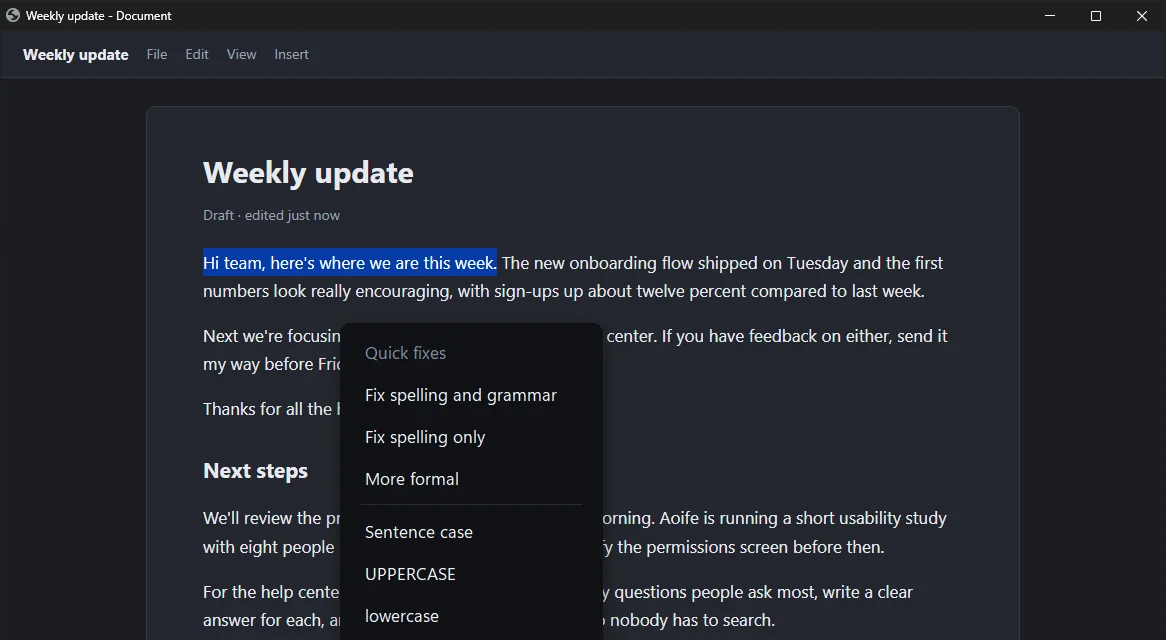
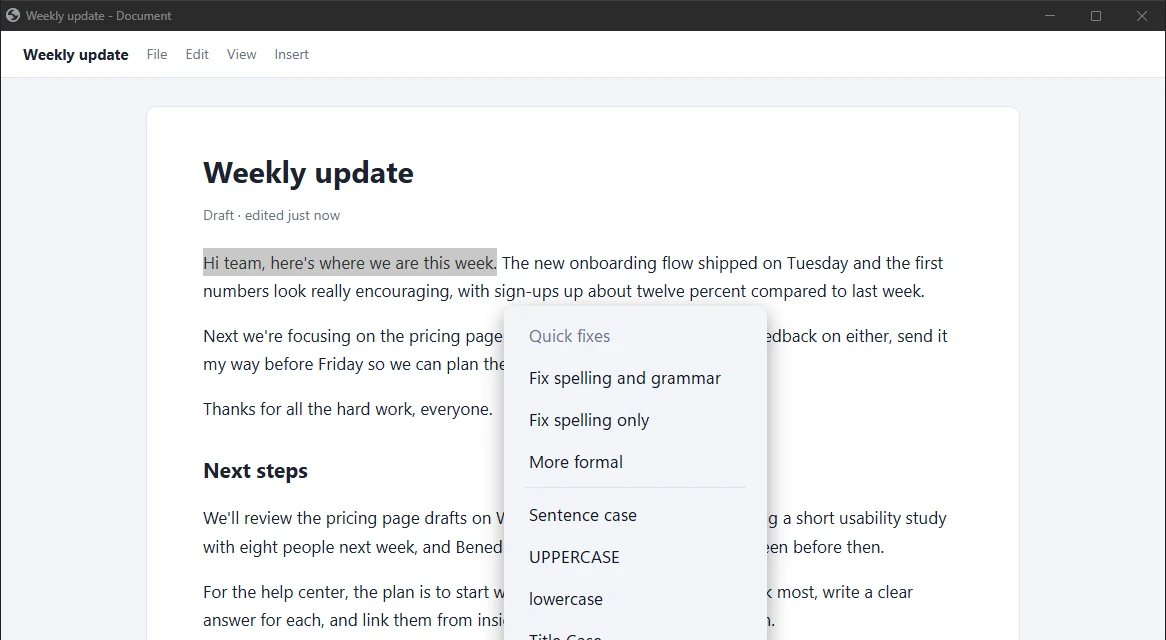
Select text anywhere and a small ghost appears: fix spelling and grammar on any PC, or with Advanced mode make it shorter, friendlier or into an email. Your text changes only when you click Replace.
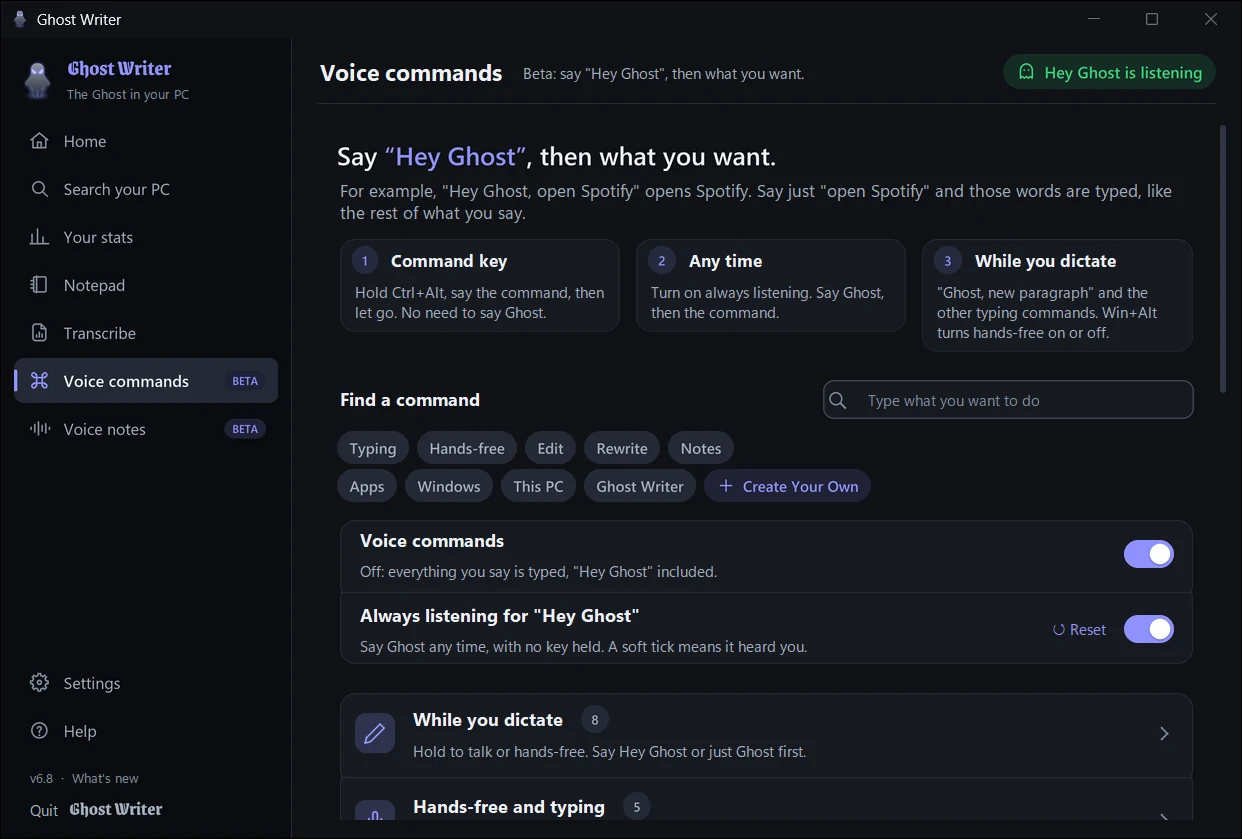
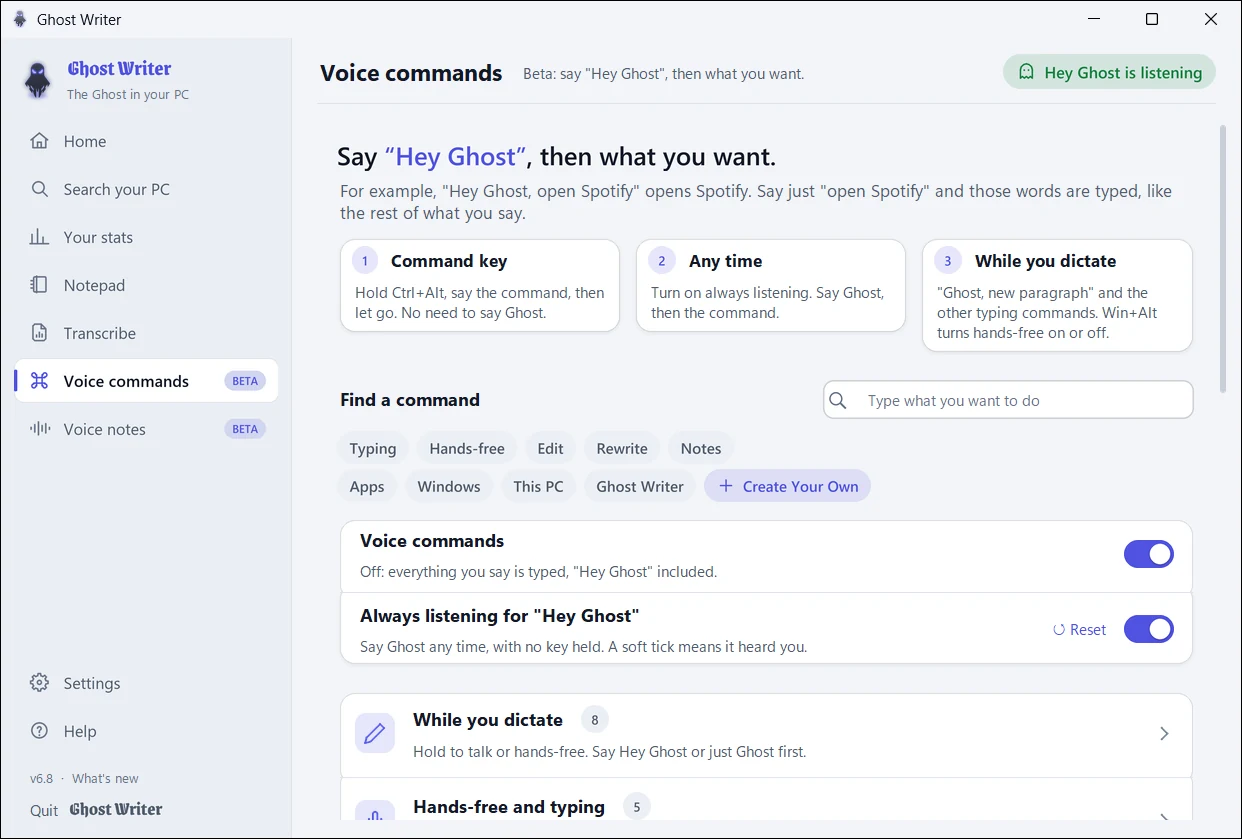
Say "Hey Ghost, open Spotify", "set a timer for ten minutes" or "next tab". Hold Ctrl+Alt instead if you'd rather not say the words. Always listening is off until you turn it on.
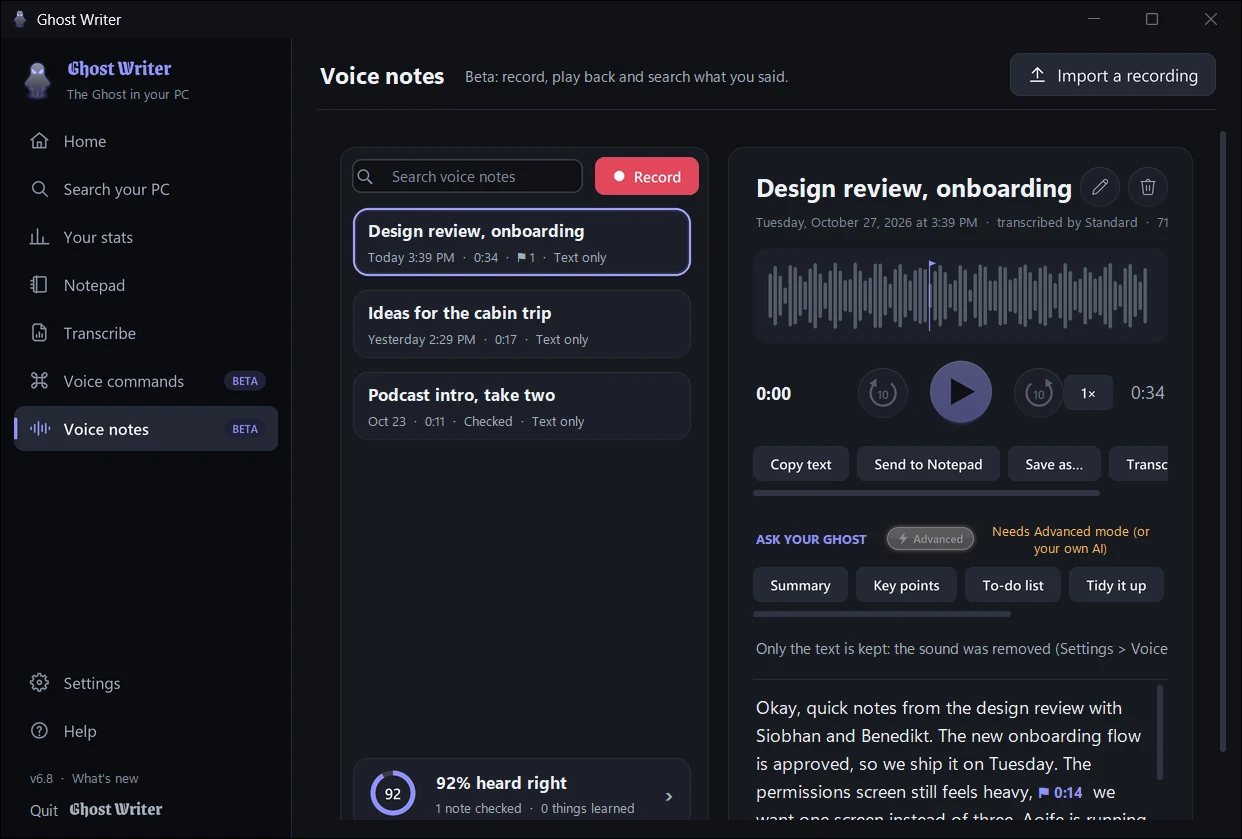
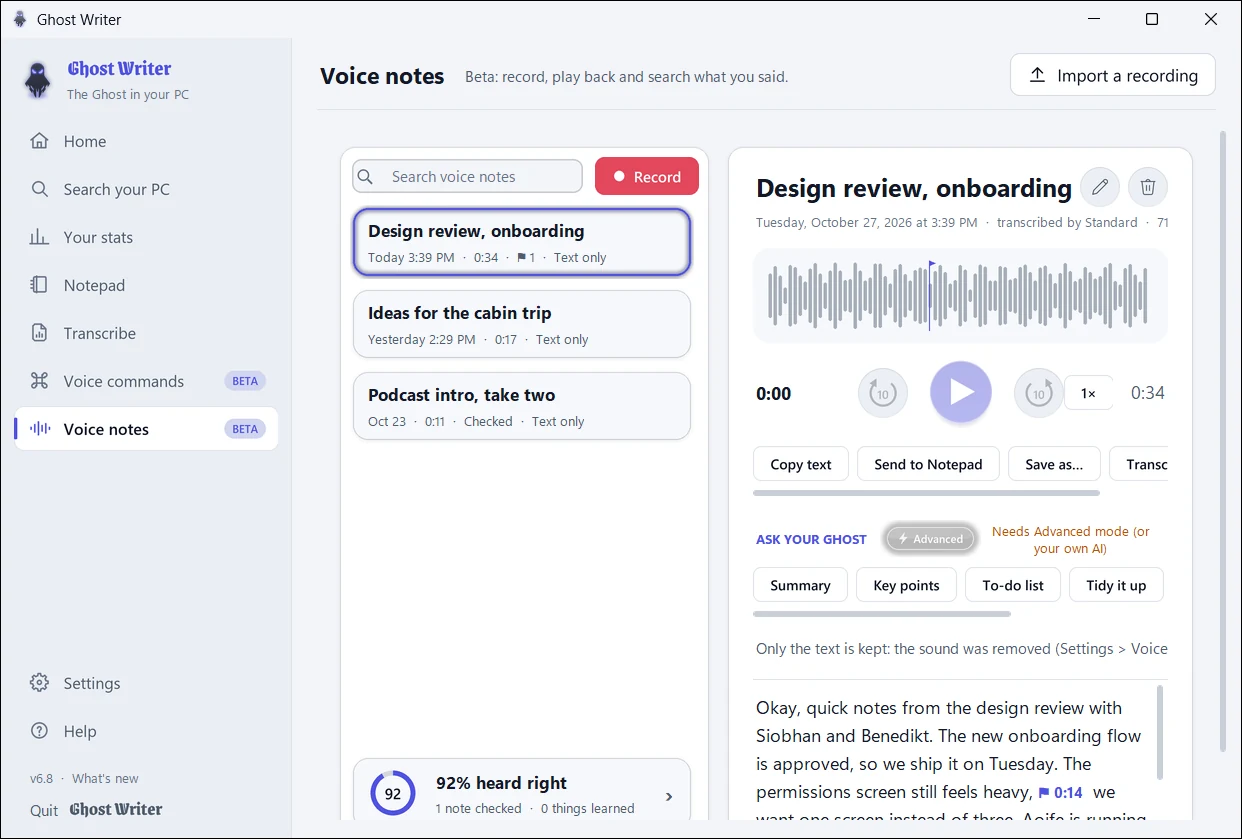
Record a note, play it back and search what you said. Fix the words it wasn't sure of, and your Ghost learns them for next time, in dictation too.
Your voice is turned into text on your PC. Nothing you say or type is sent to us or anyone else.
Dictation works with Wi-Fi off, for up to 3 days between key checks.
Checking your key (the key, a scrambled id of your PC and the version), checking for updates and, if you choose it, downloading Advanced mode.
It's built never to type into or read password boxes. Optional screen context is off until you turn it on, and never saved. Privacy policy
Fast, accurate dictation on the processor, with writing styles, quick fixes, voice commands and voice notes. Included in the download.
A much bigger speech model for accents and fast speech, plus a small AI for grammar, layout and rewriting, all on your graphics card. An optional one-time download from inside the app (3.3 to 4.8 GB).
Free, by invitation. Tell us who you are and we'll email you an access key.
We read every request ourselves. Your key arrives by email, usually within a few days. Check your spam folder if you don't see it. One key works on up to 2 PCs.
By installing, you agree to the Terms of use. Windows may warn you the first time: here's what to click. SHA-256 fingerprint: cae363bcb5f0f7d69e341515b3b048abe76148edad8c6b7d7c71936074f34e8b
Yes. No subscription and no ads. With your key you can use everything, including Advanced mode if your PC has a graphics card for it.
Almost anywhere you can type: email, Word and Google Docs, chat apps, your browser, code editors. It's built never to type into or read password boxes.
Windows warns about new apps whose publisher hasn't bought a paid code-signing certificate yet. Click More info, then Run anyway. More install help, including antivirus and Smart App Control.